SideWave
Dictation that runs on your Mac.
Click into a text field, press your hotkey, and talk. A preview shows your words while you speak, and when you finish, SideWave pastes the text where you started.
Free and open source. Version 0.4.9 needs macOS 26 or later on Apple silicon.
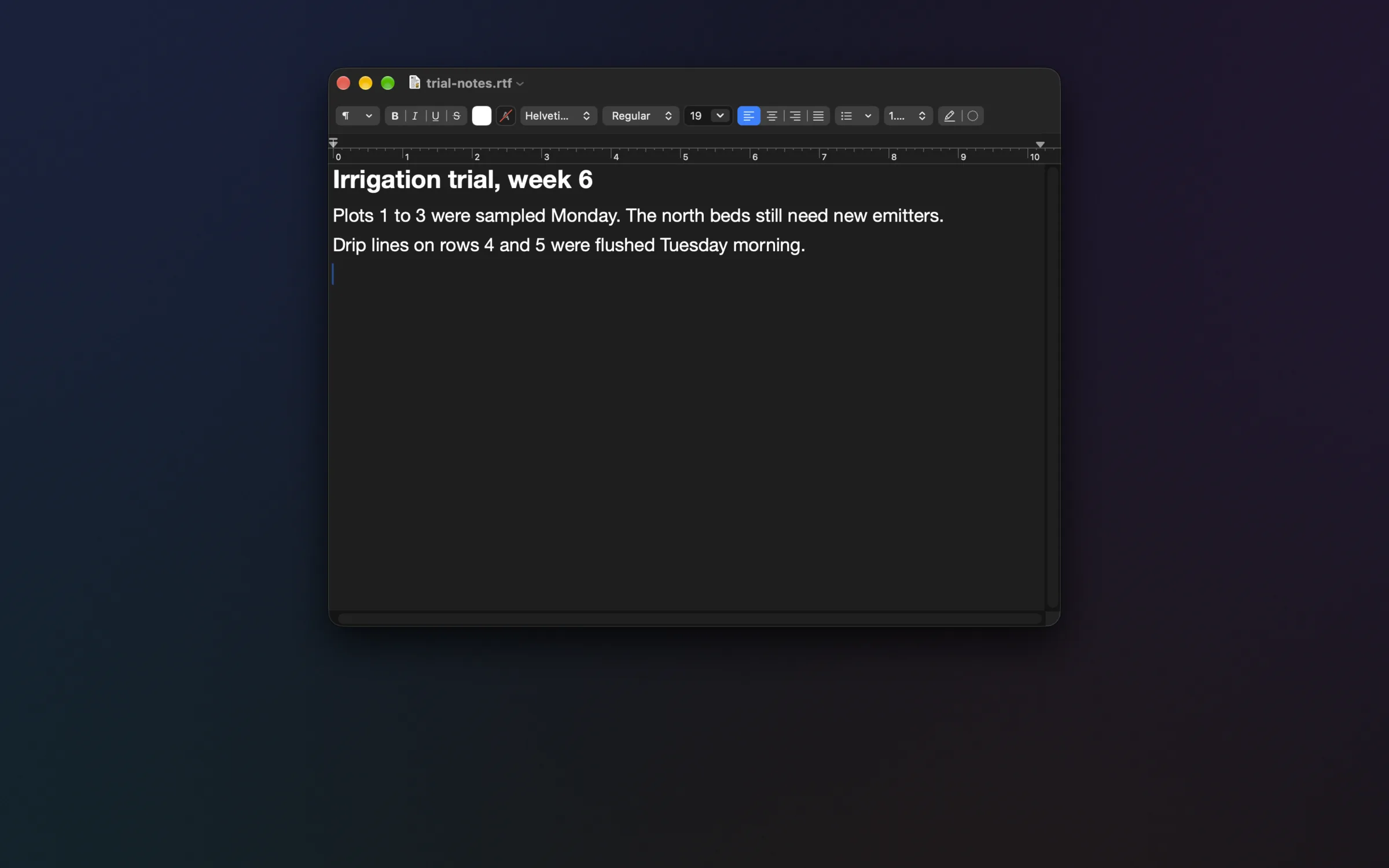
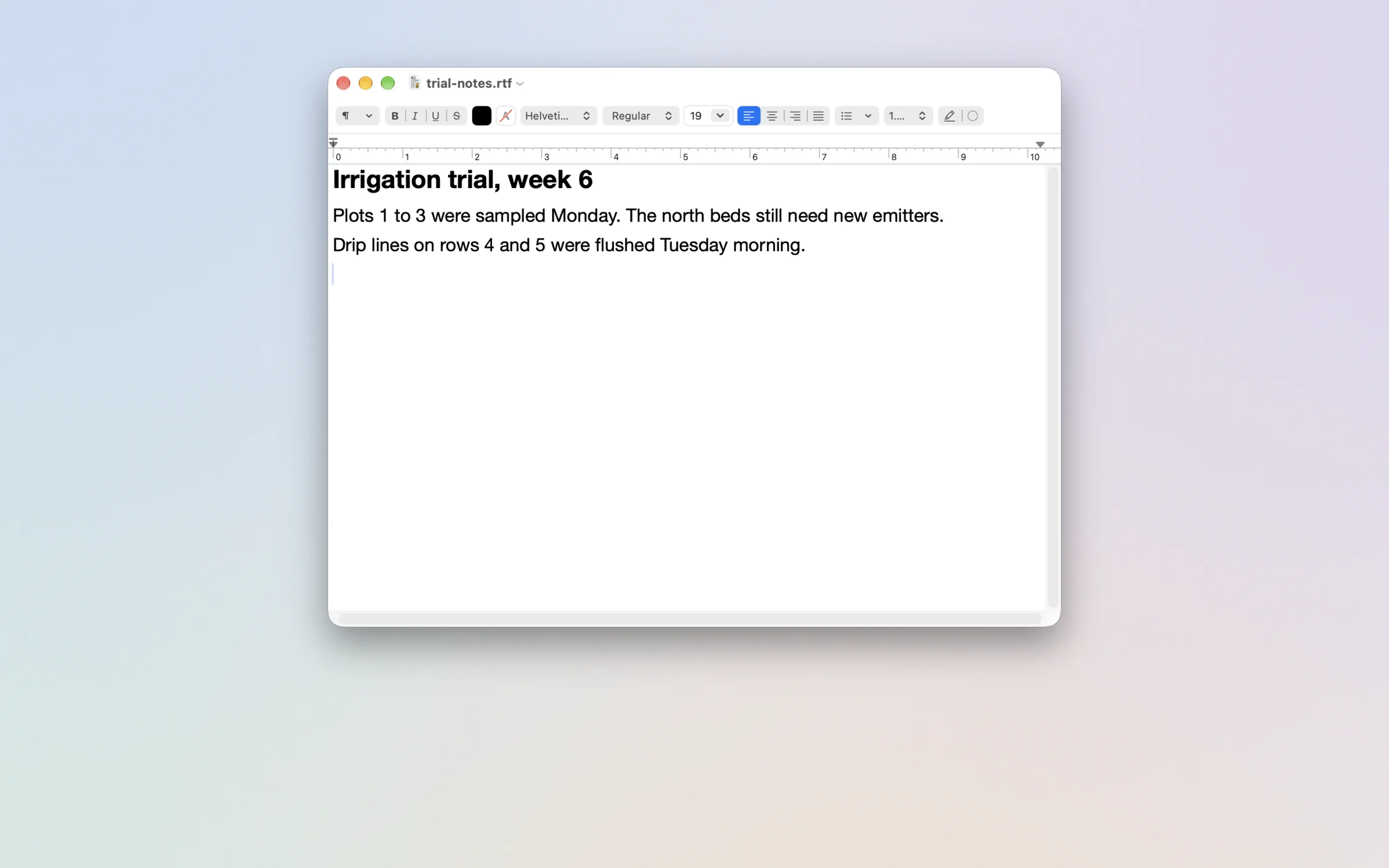
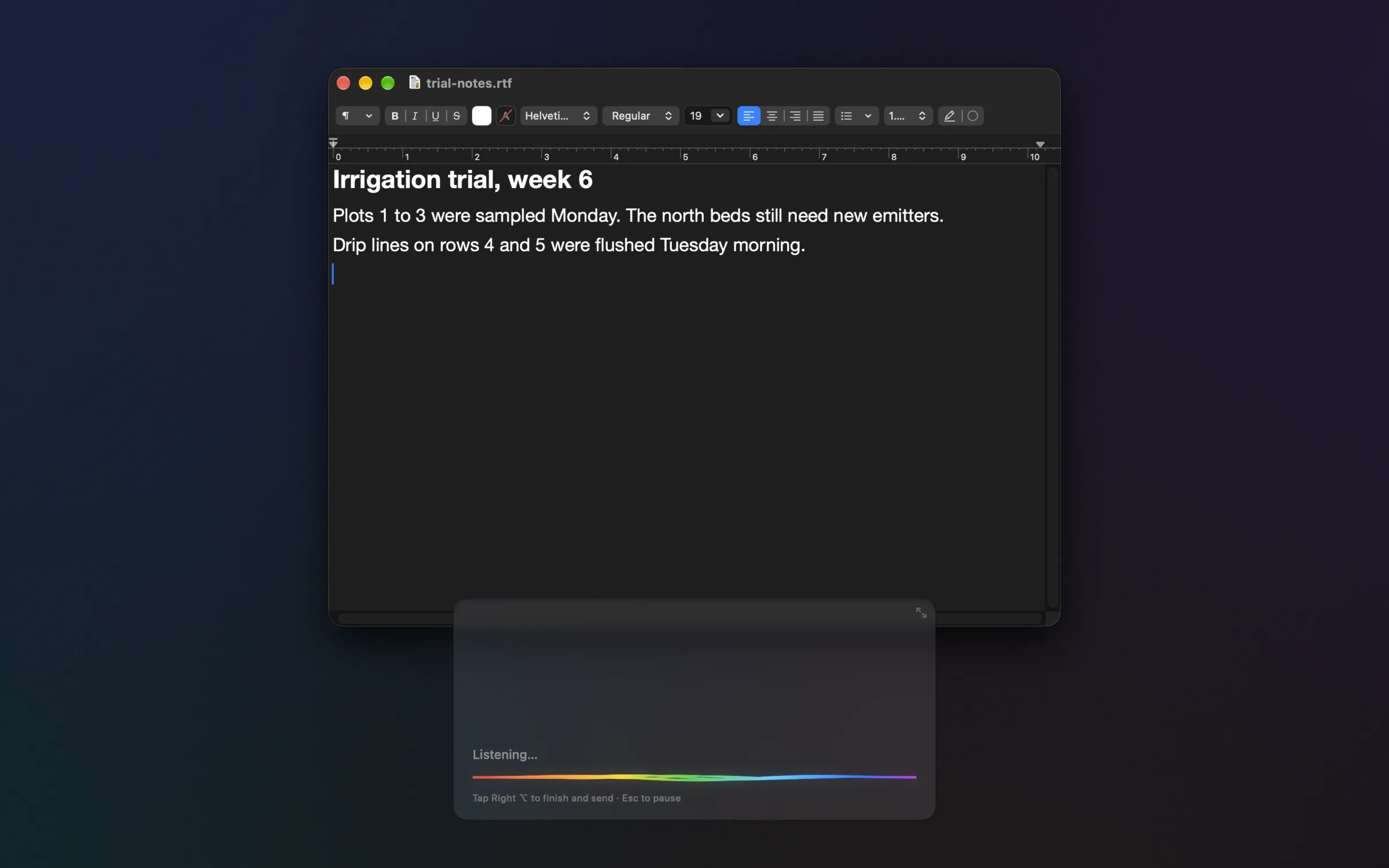
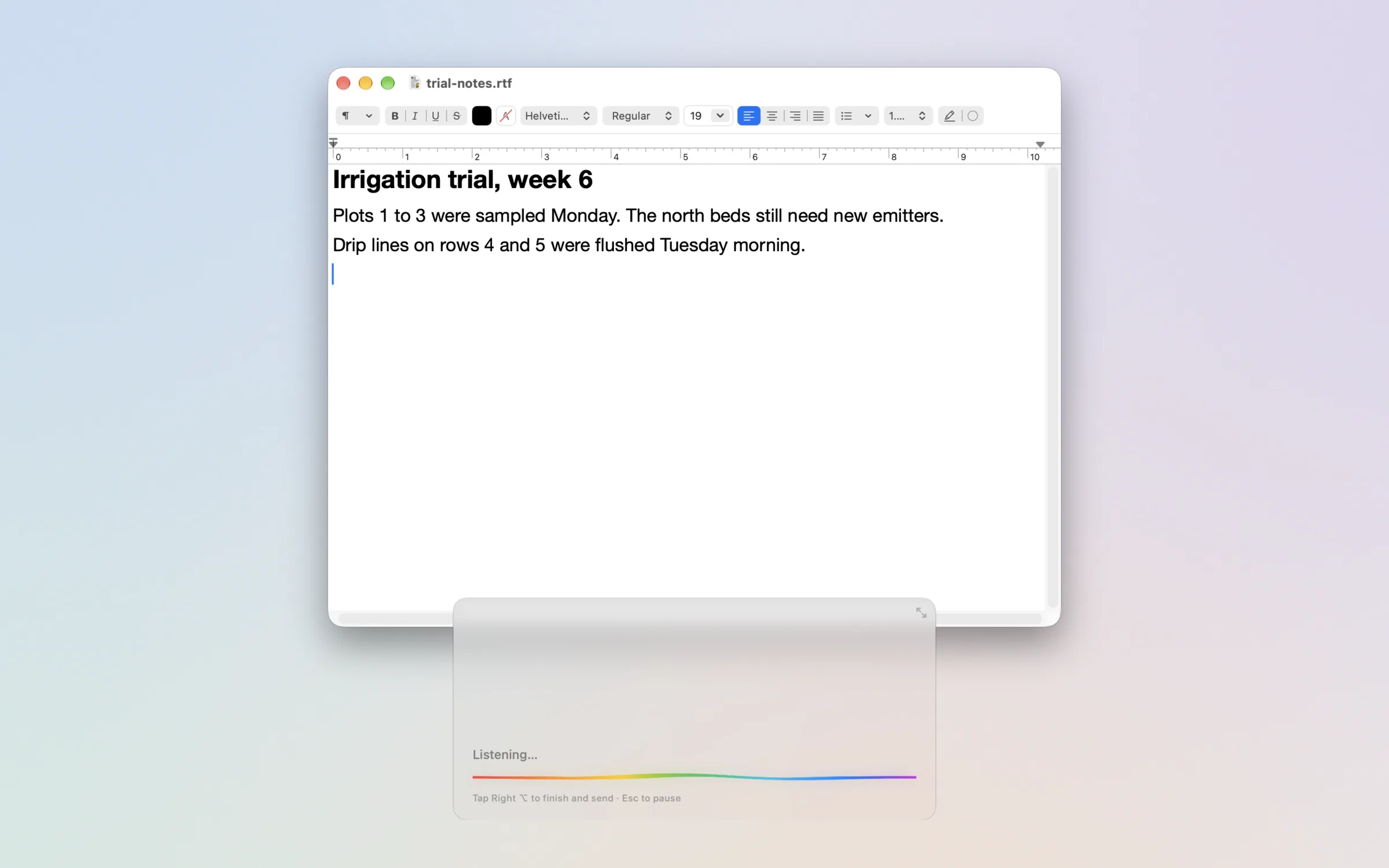
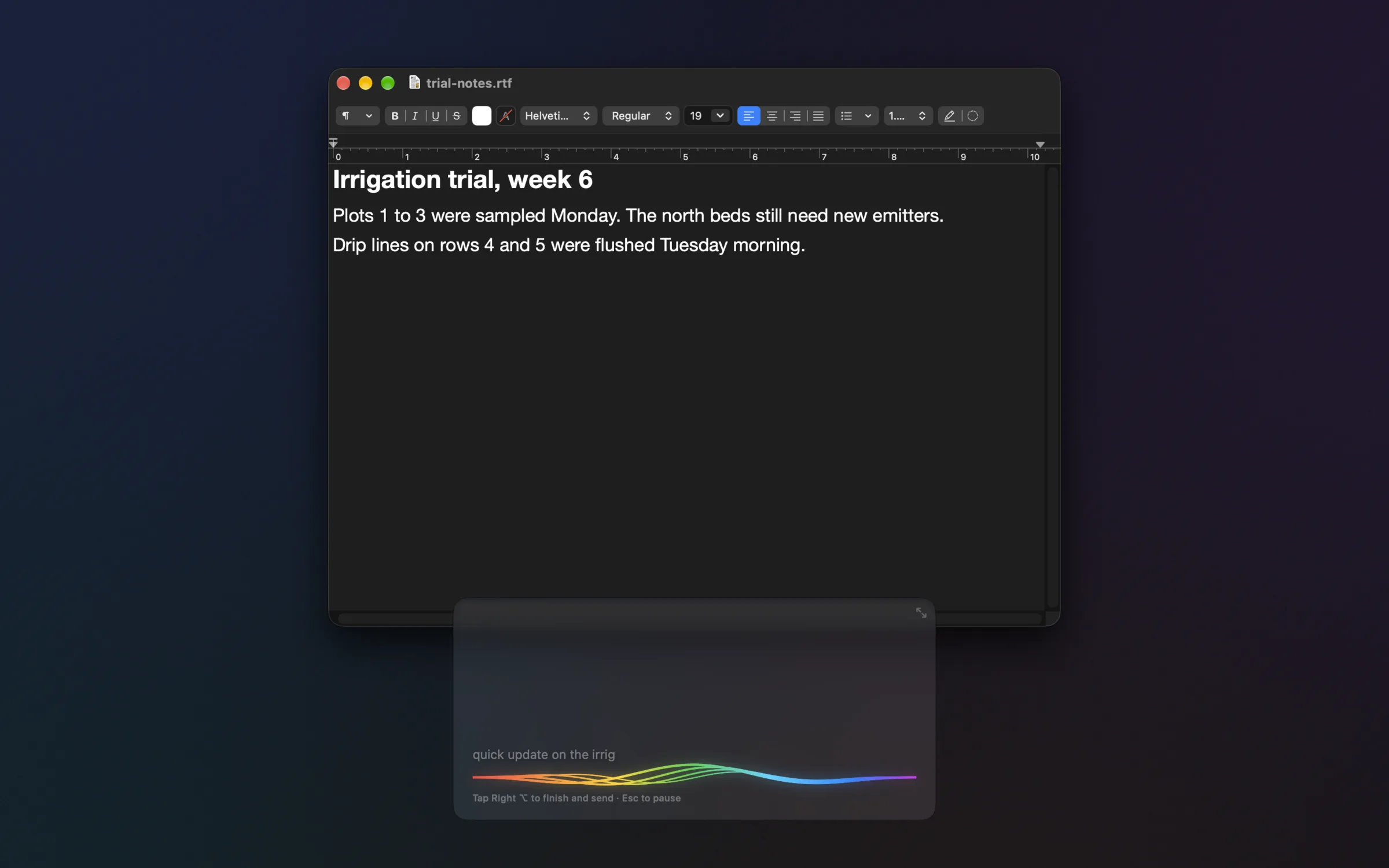
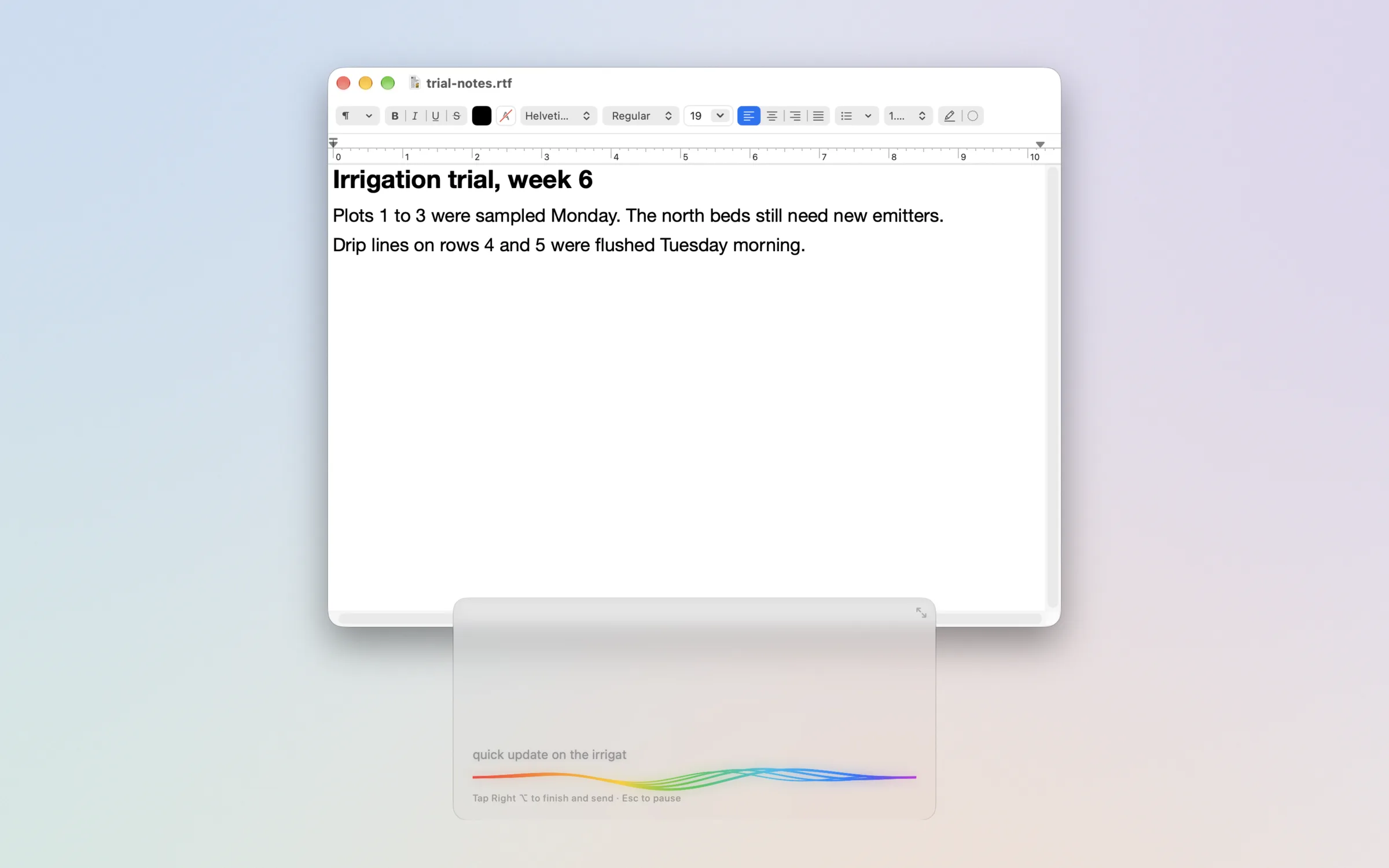
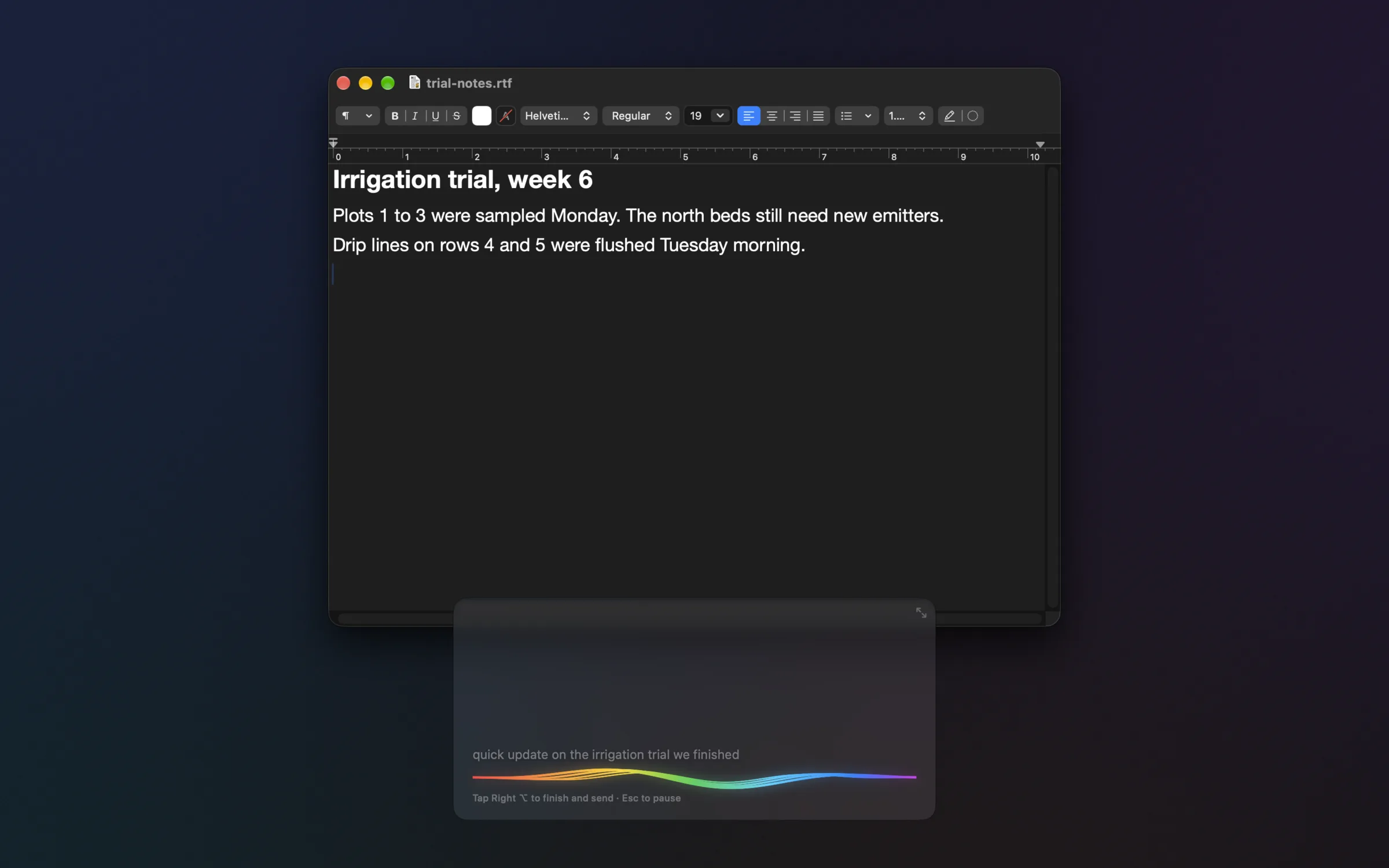
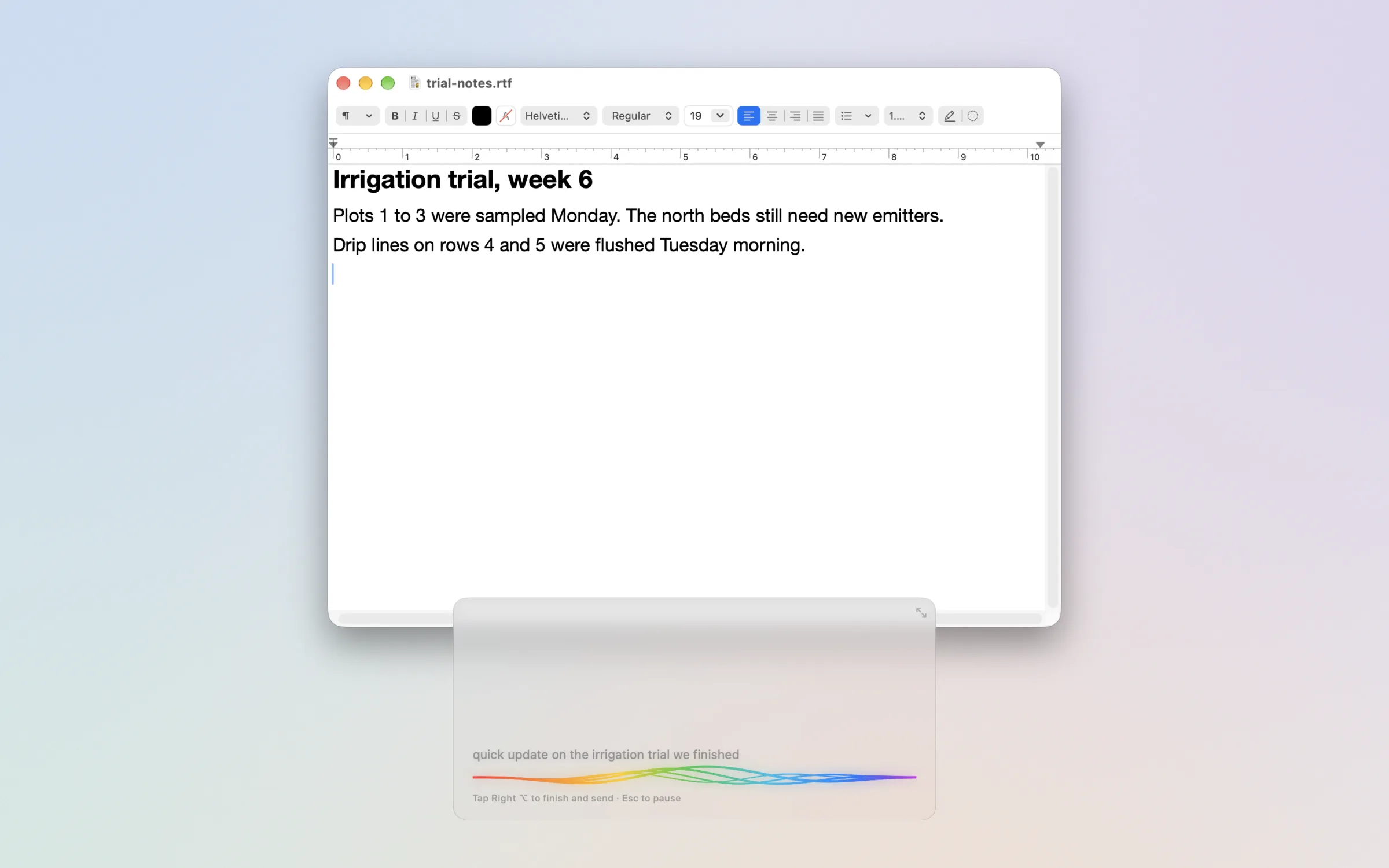
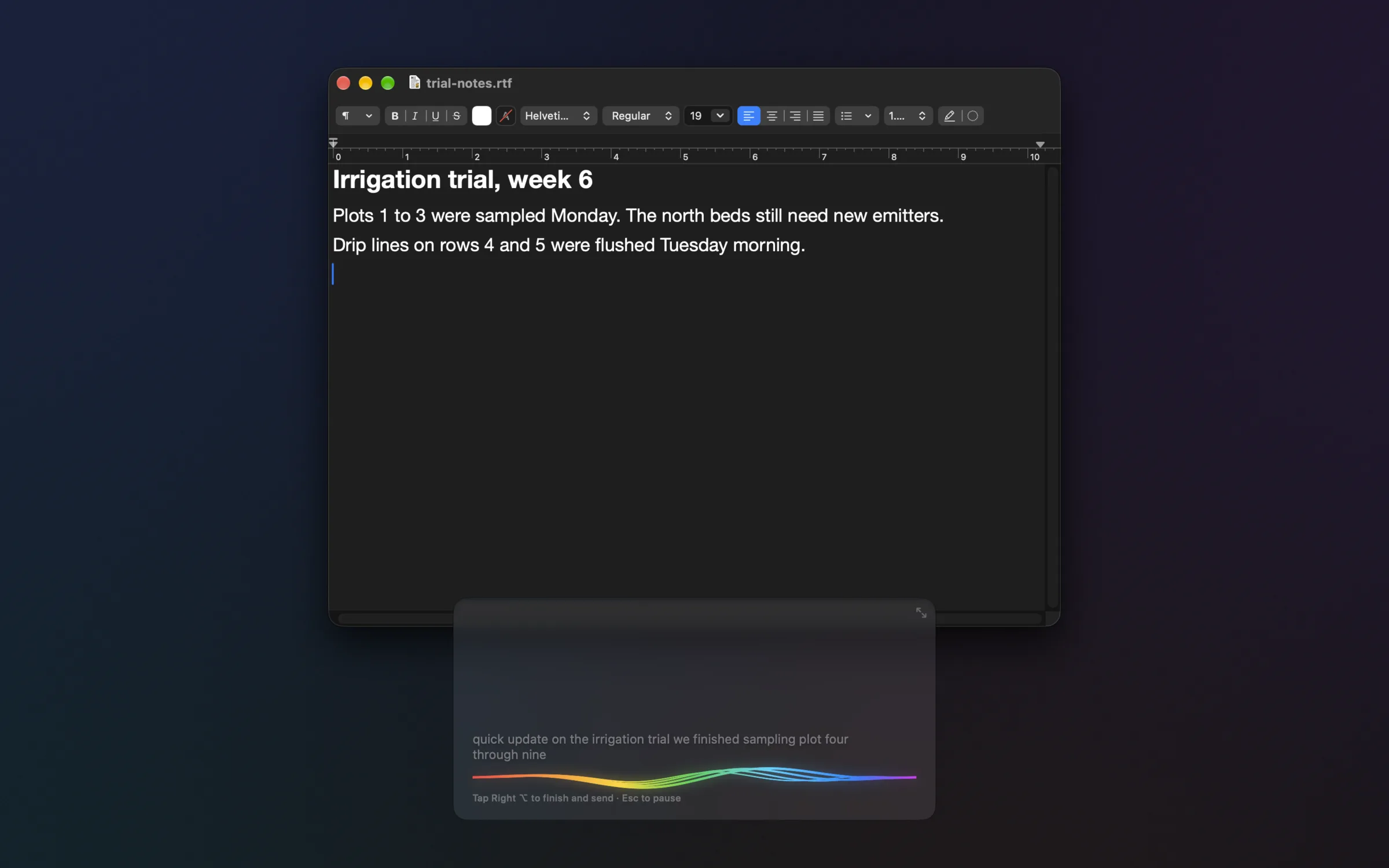
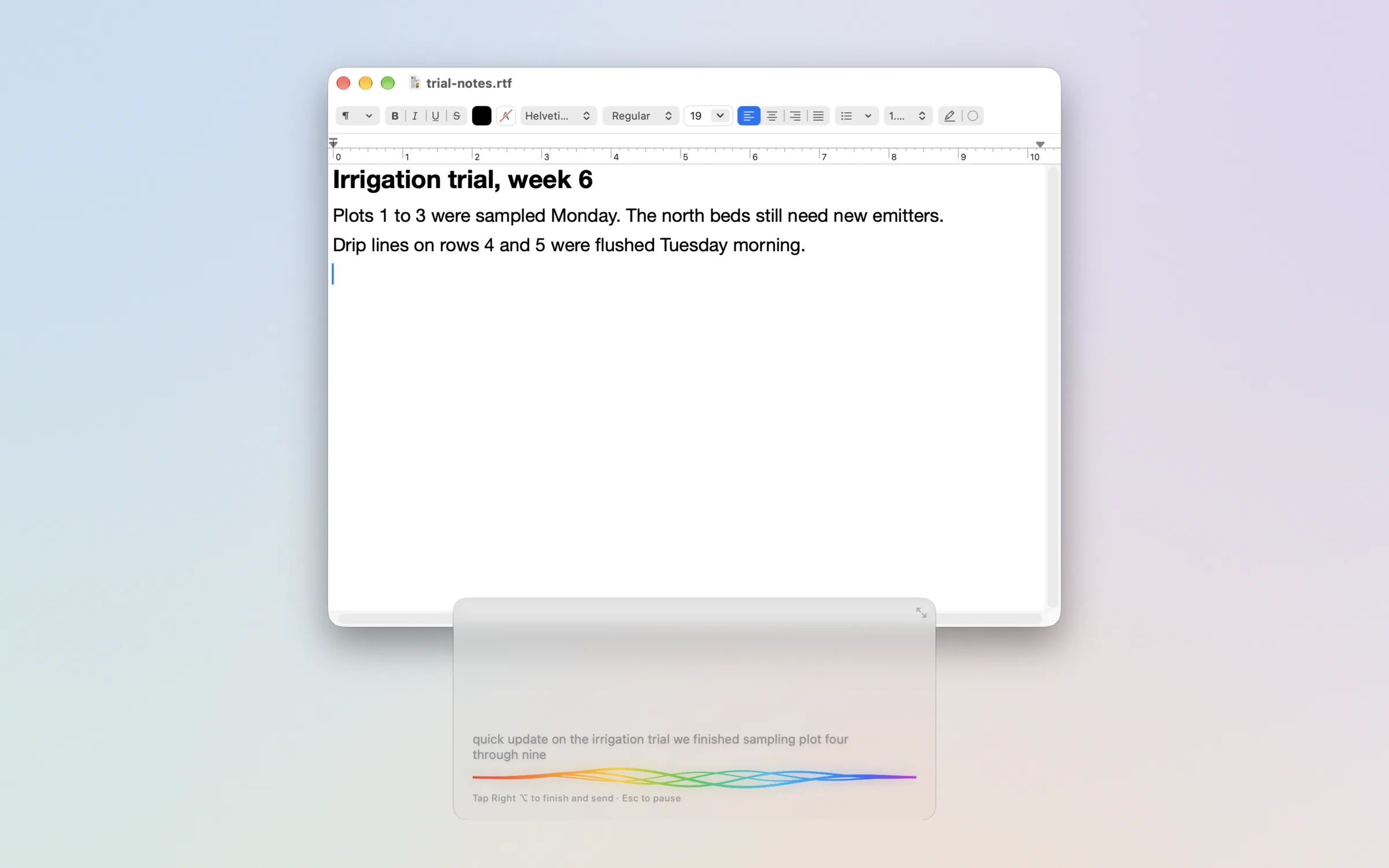
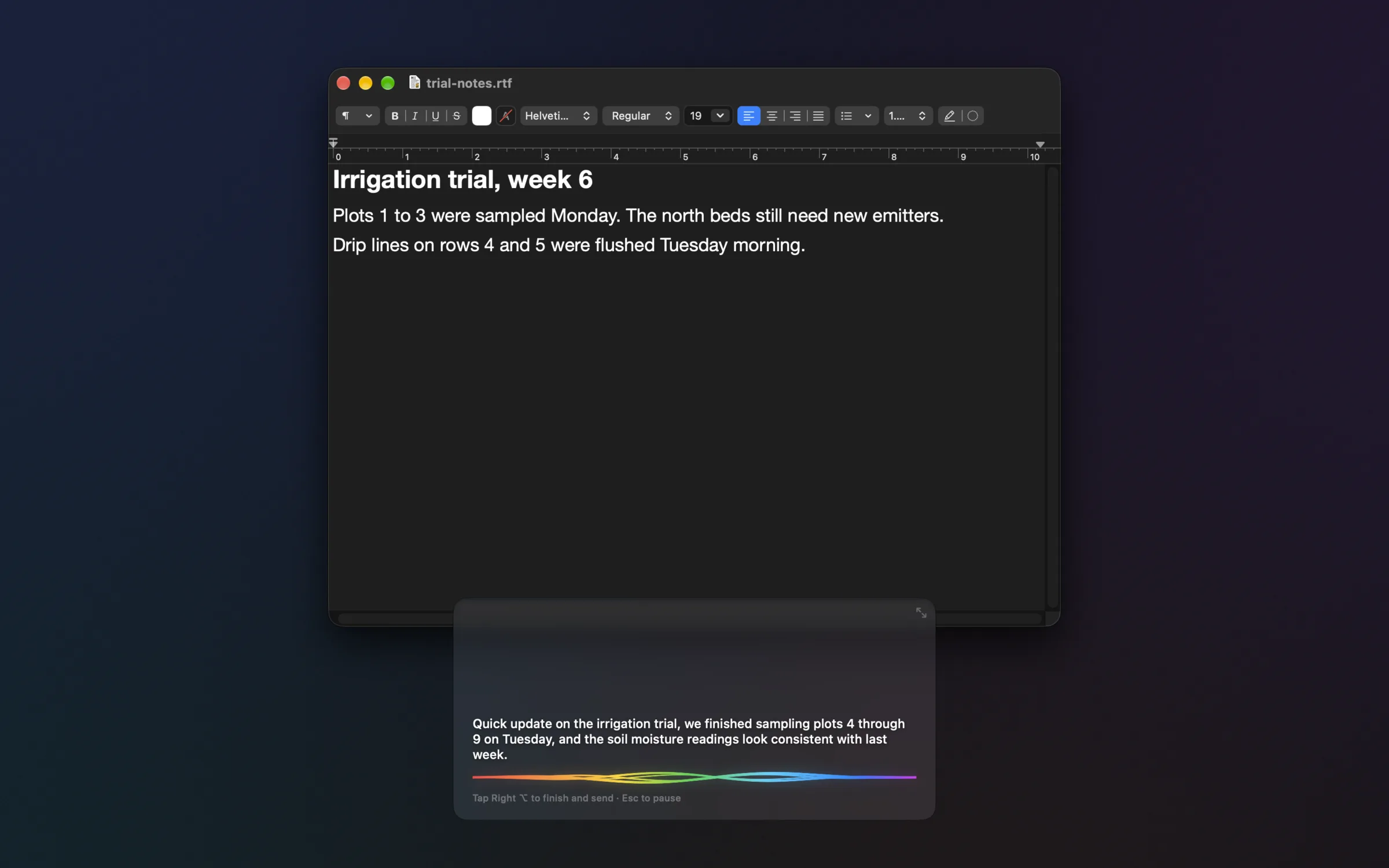
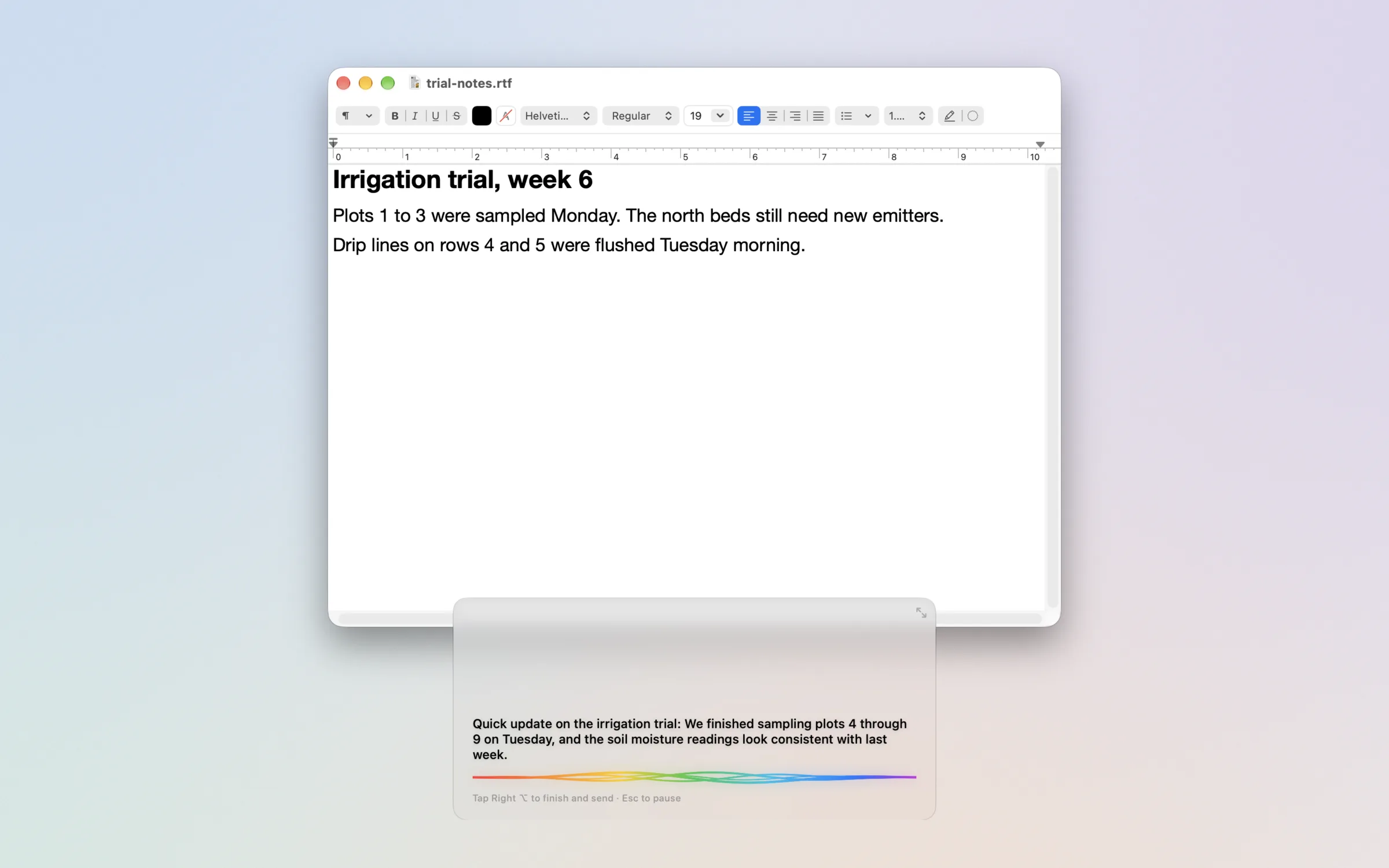
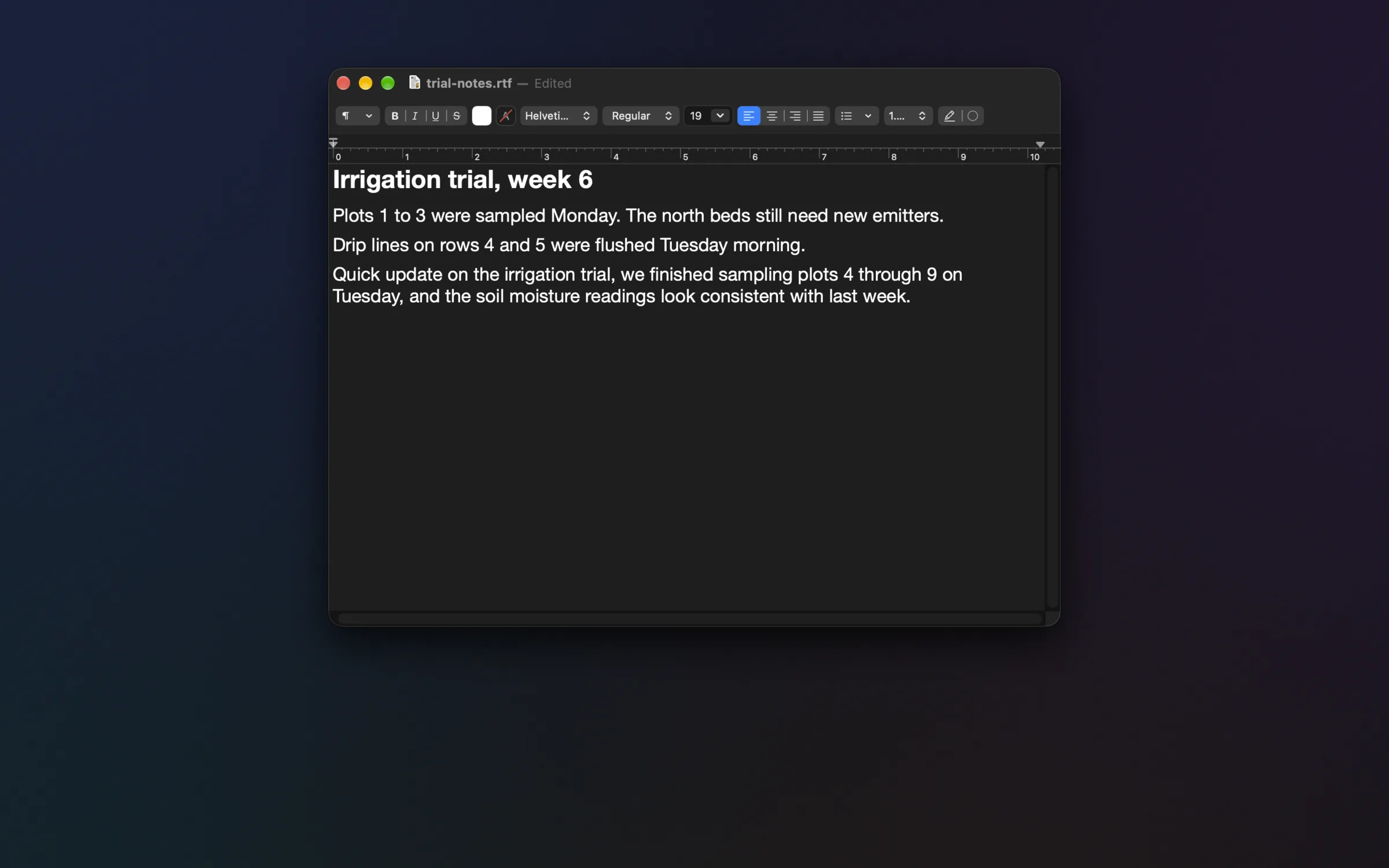
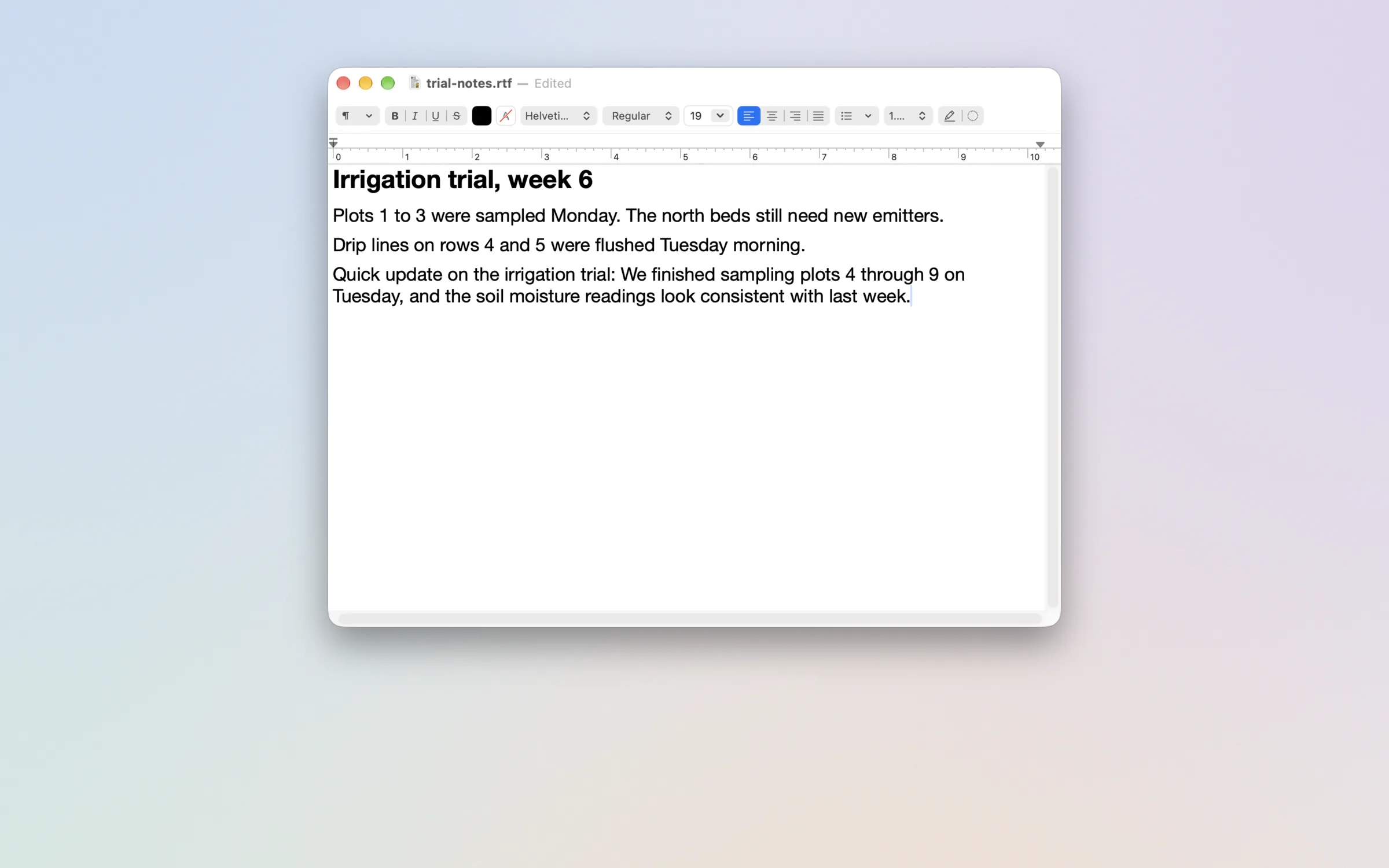
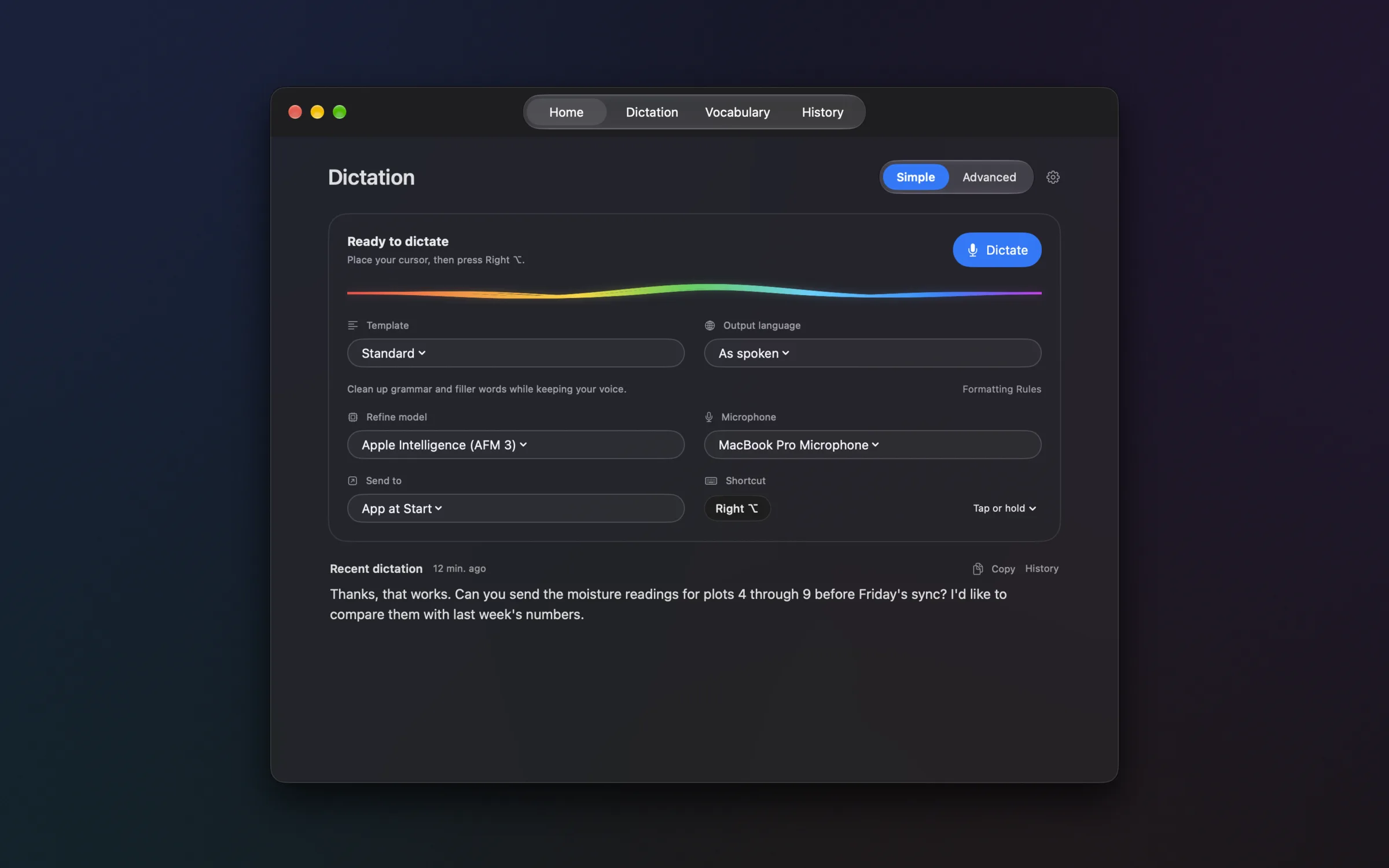
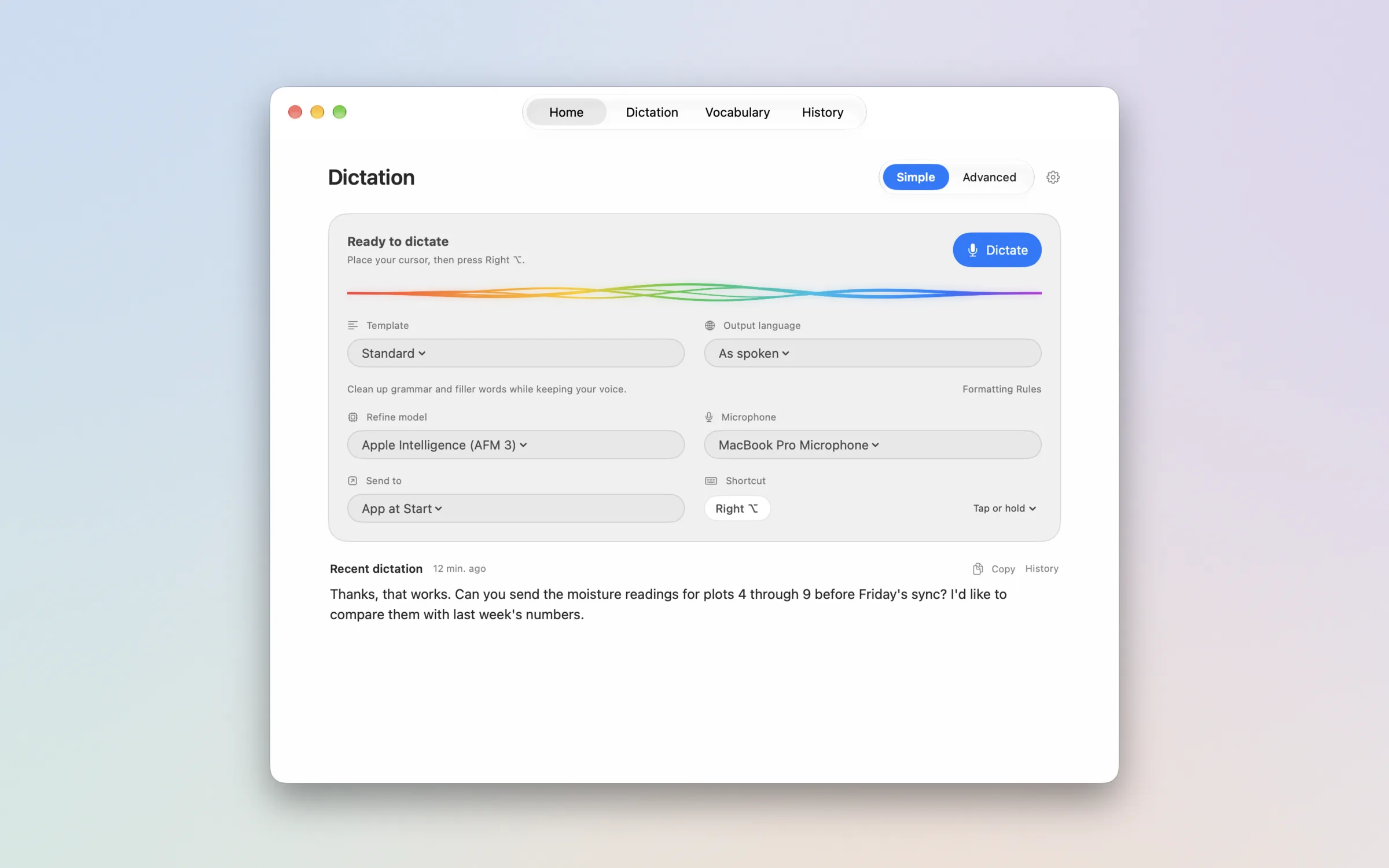
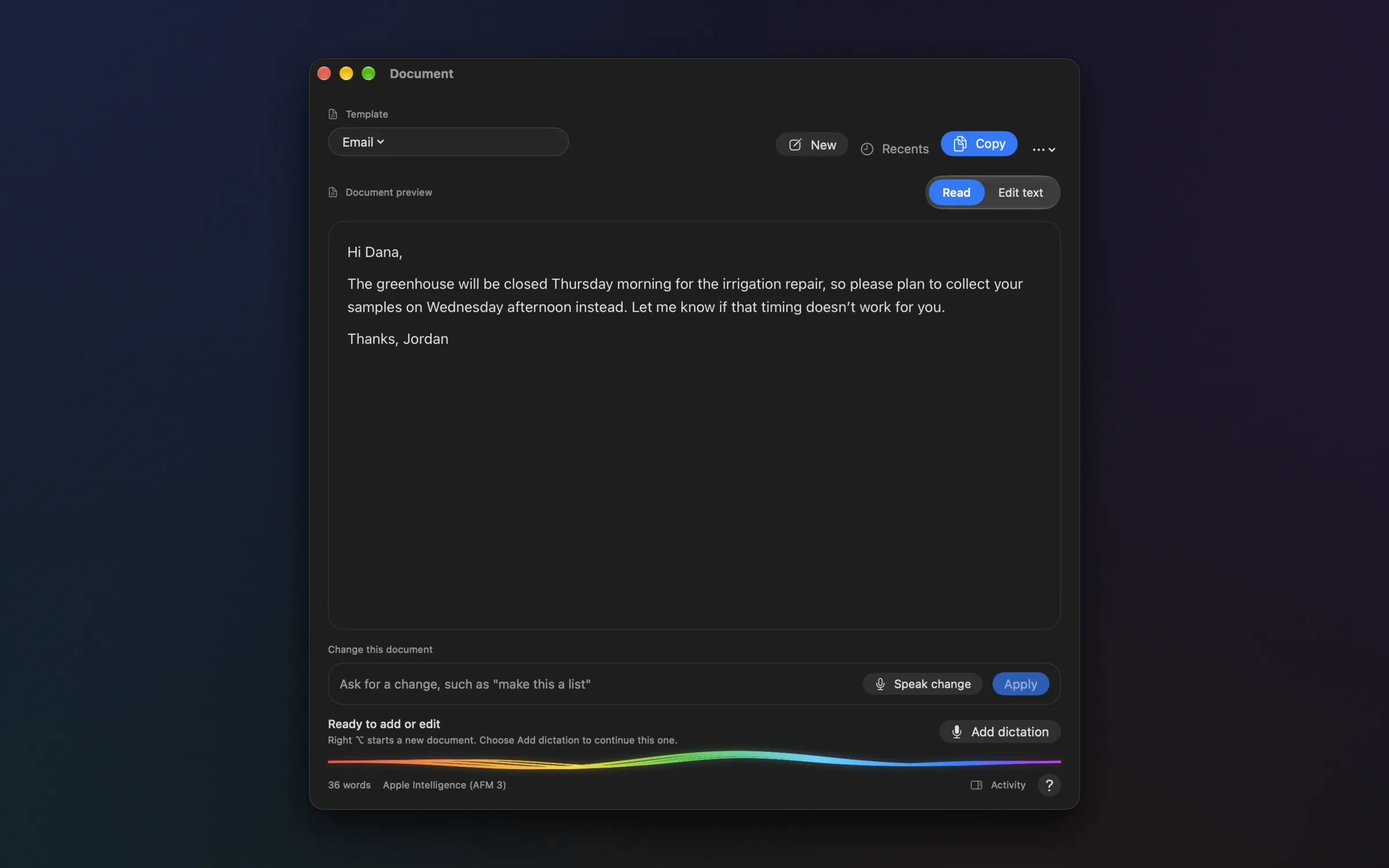
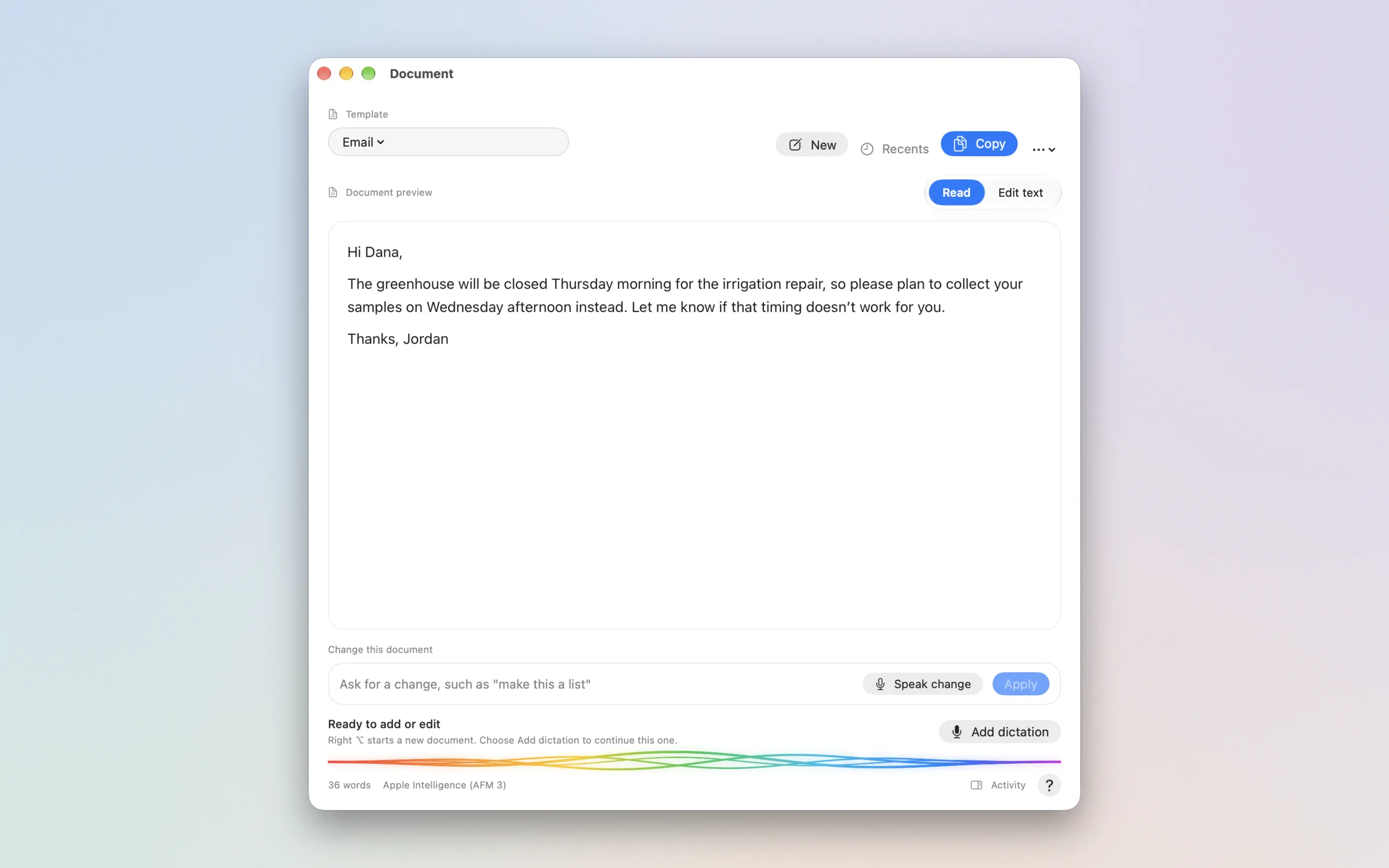
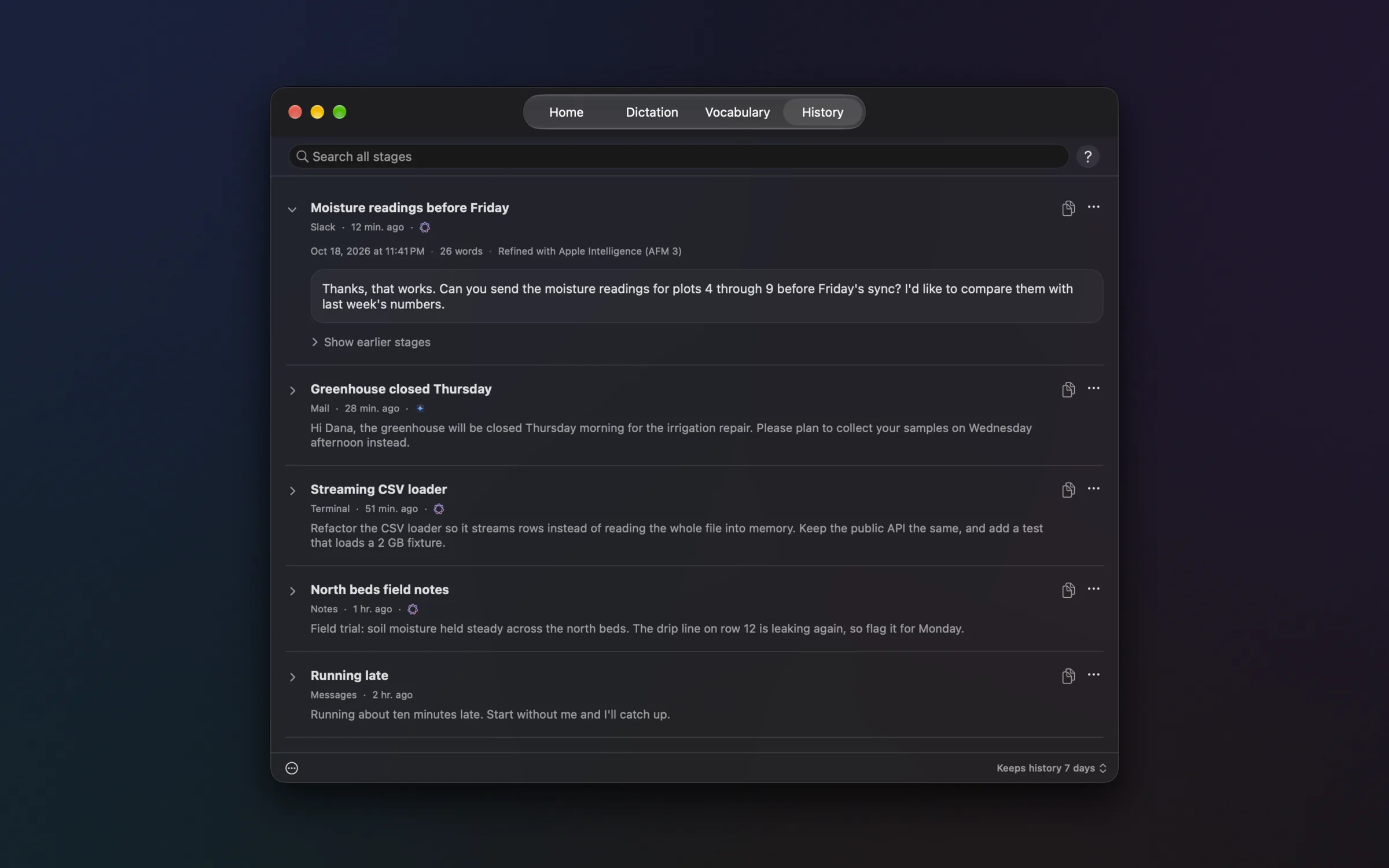
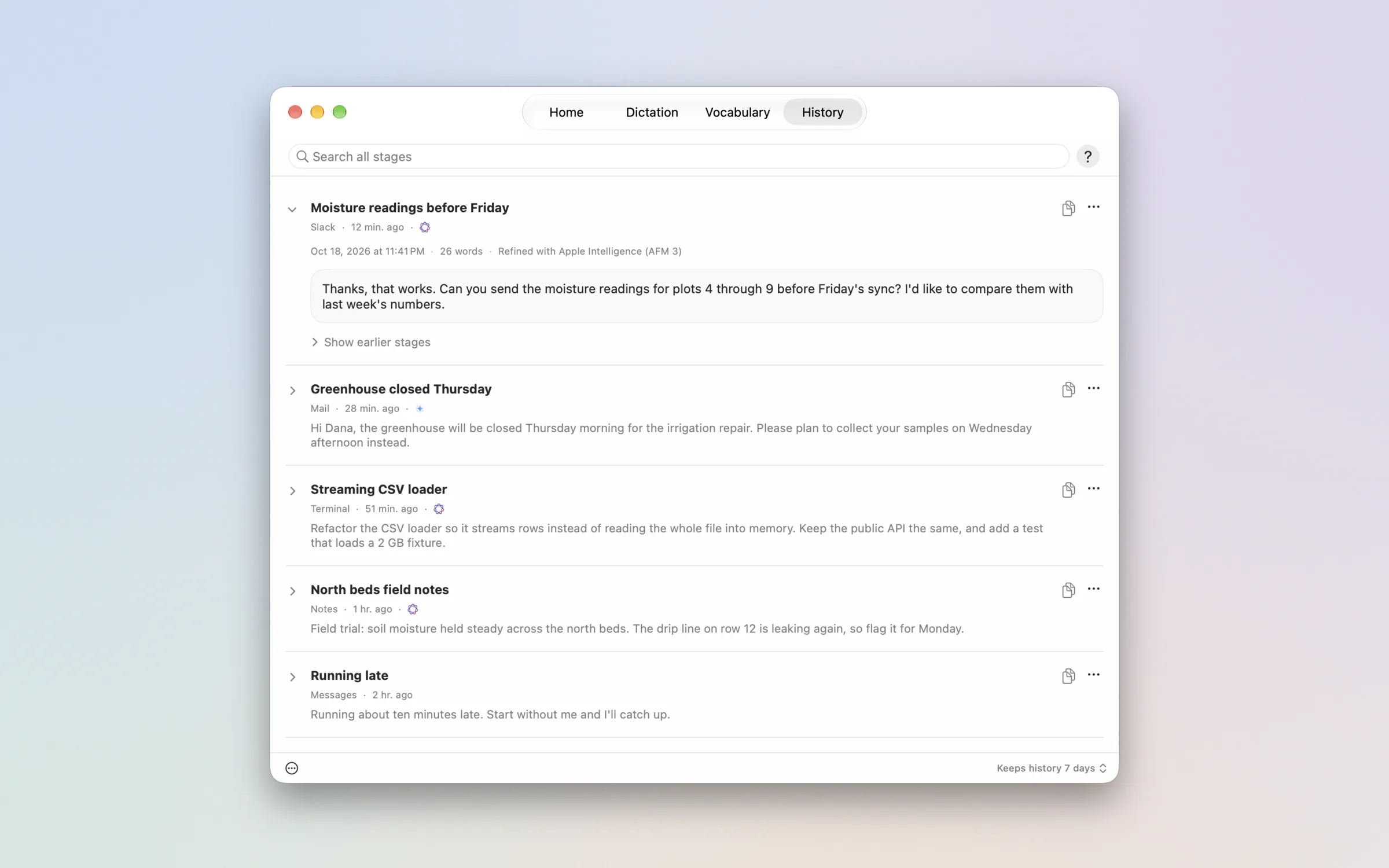
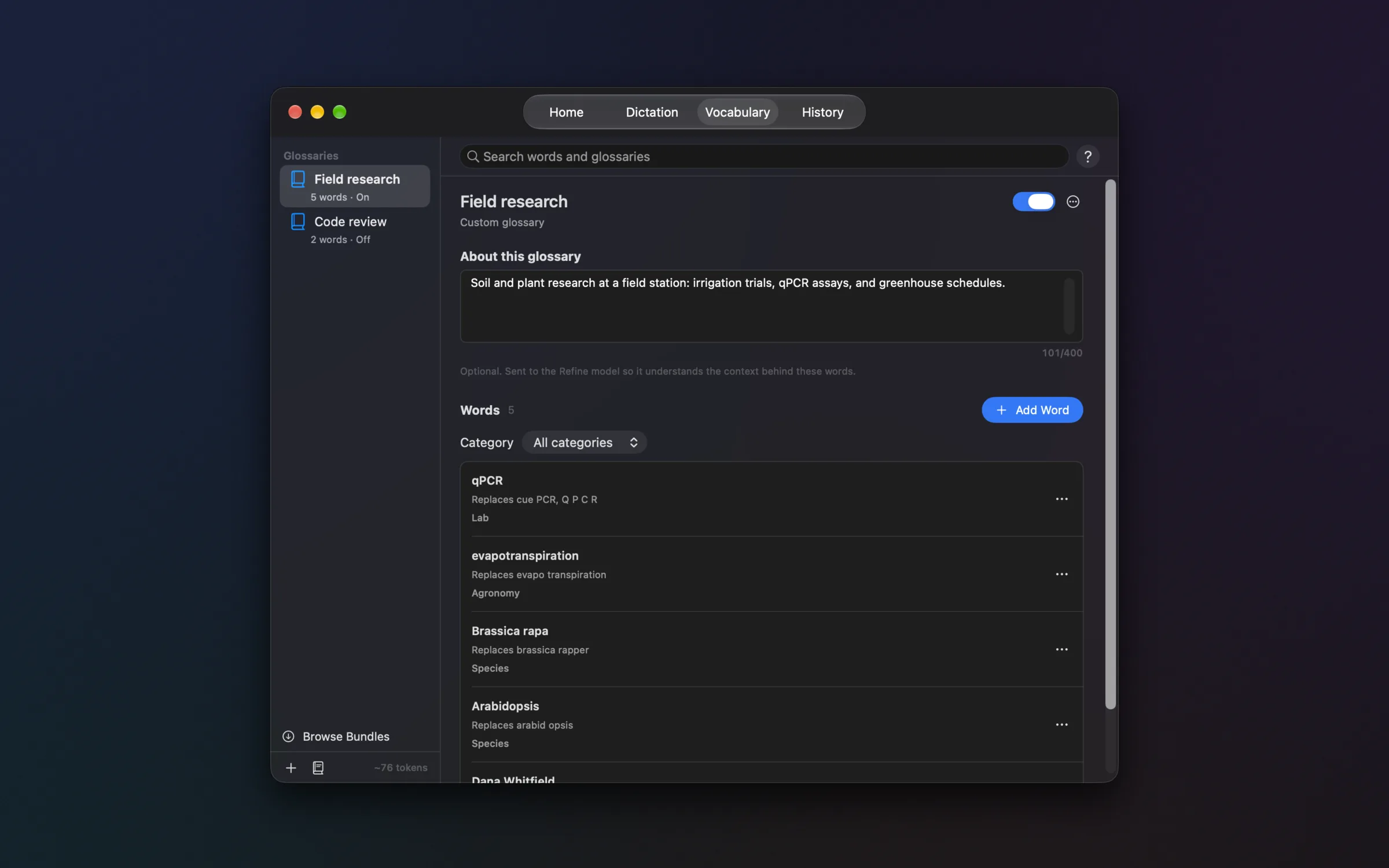
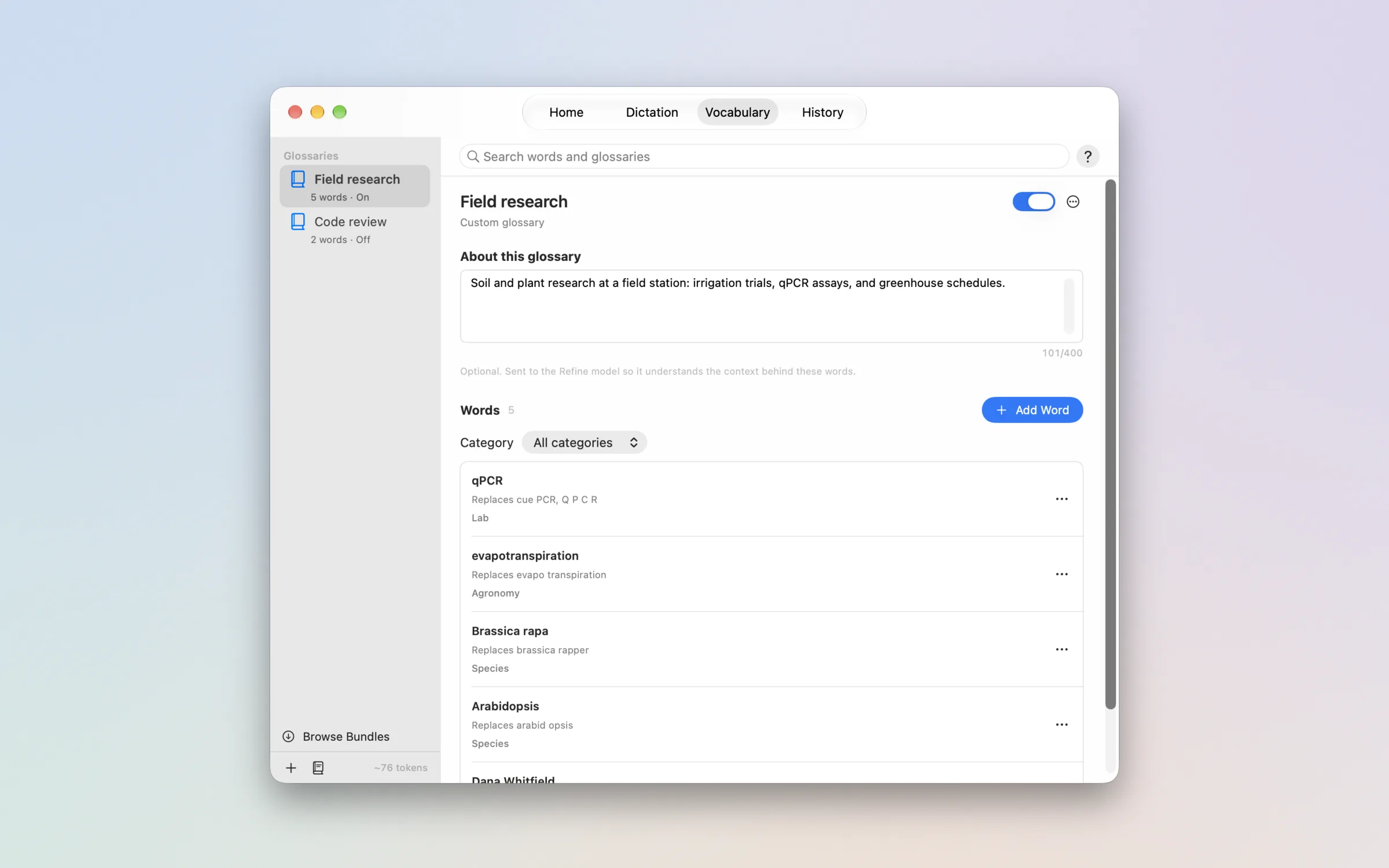
Talk in any text field. The gray draft keeps up while you speak, and the refined text is pasted where you started.
It types into the app you're already using.
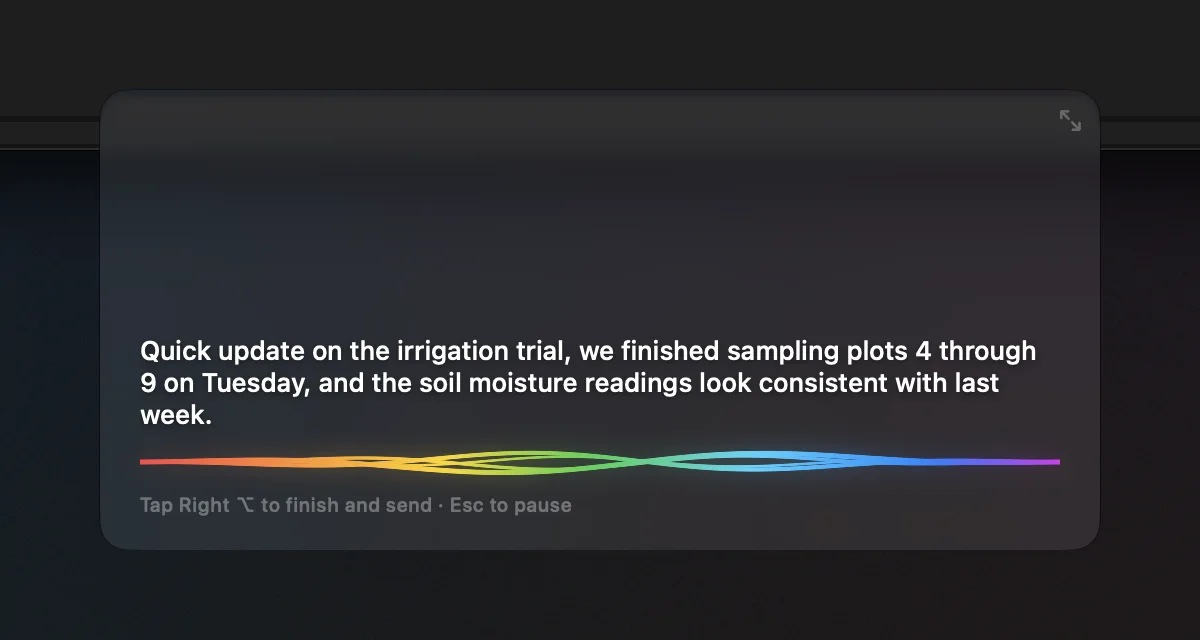
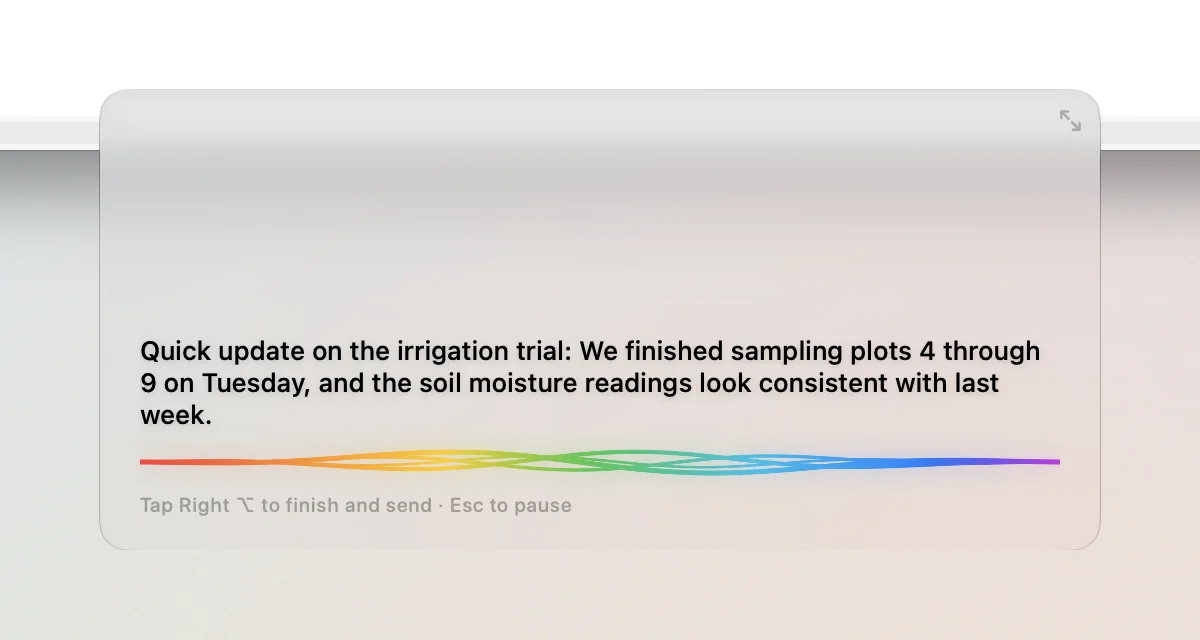
Press your hotkey in any text field and talk. The preview shows a fast draft in gray while you speak. SideWave remembers the field you started in and finds it again before it pastes.
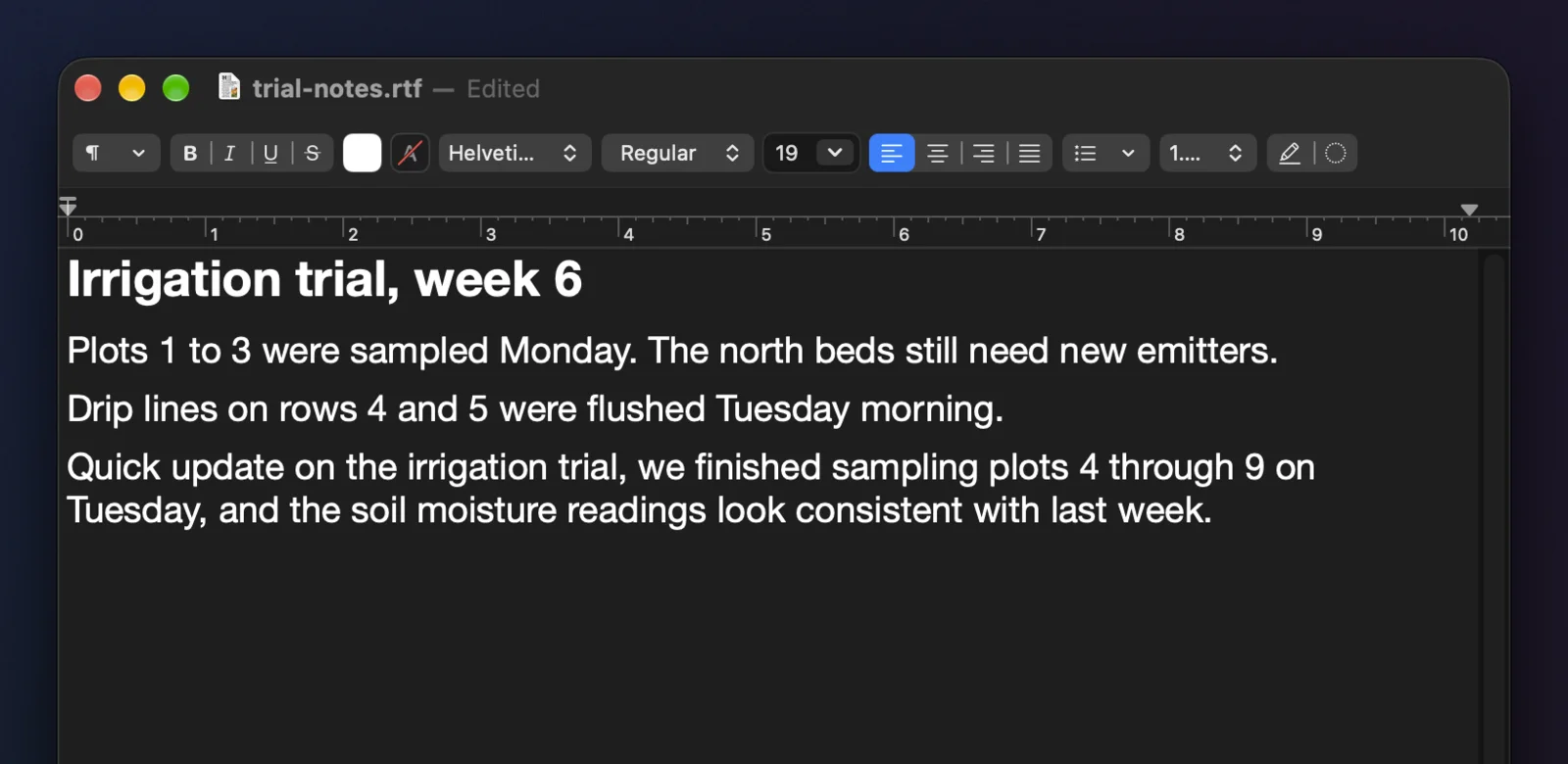
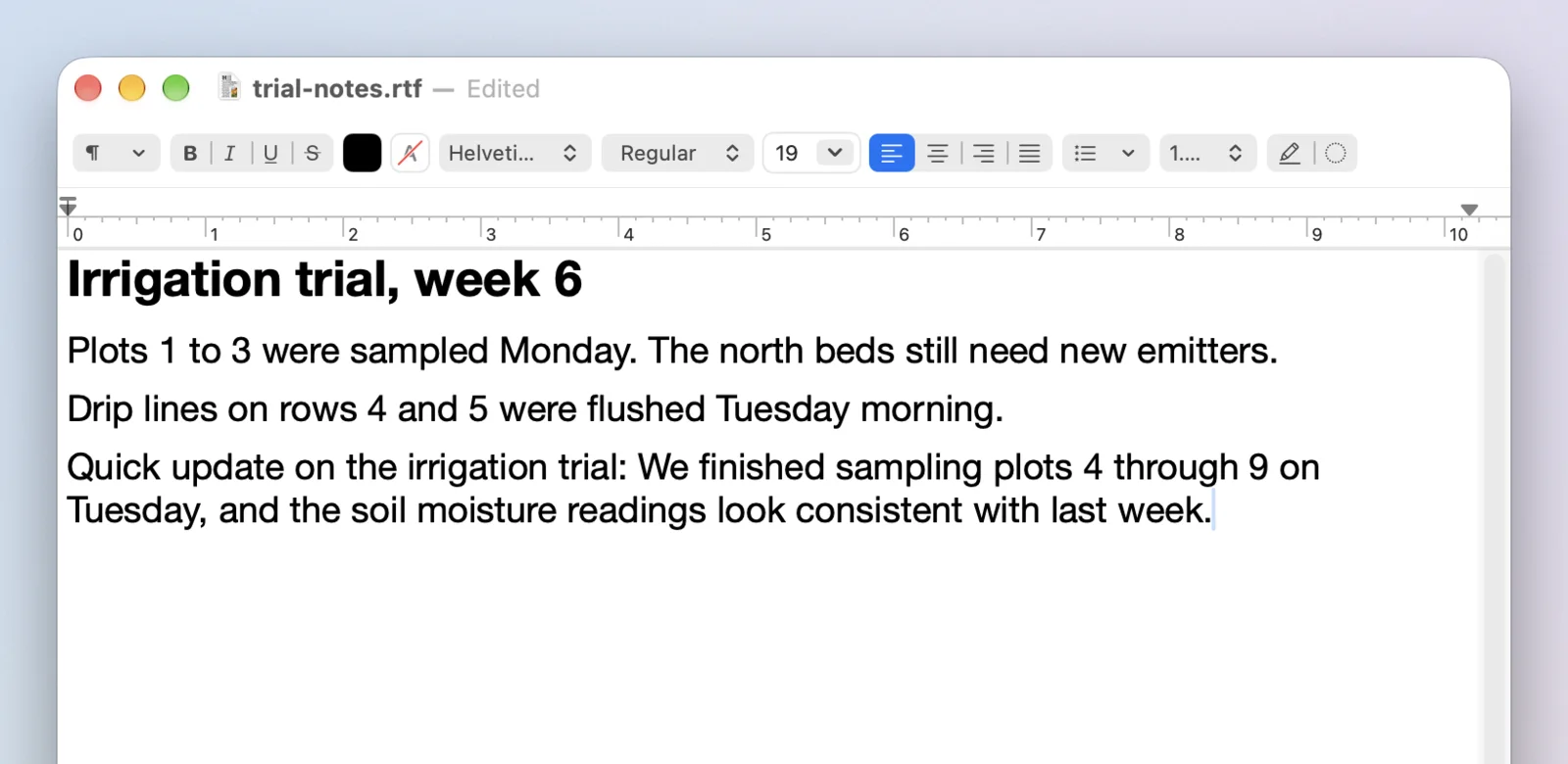
Look something up mid-sentence. The text still goes where you started.
Switch apps while you talk. When you finish, SideWave brings back the window you started in and pastes there.
If that app closed or the paste is blocked, the text is saved to History. Escape stops without pasting and keeps the text on Home.
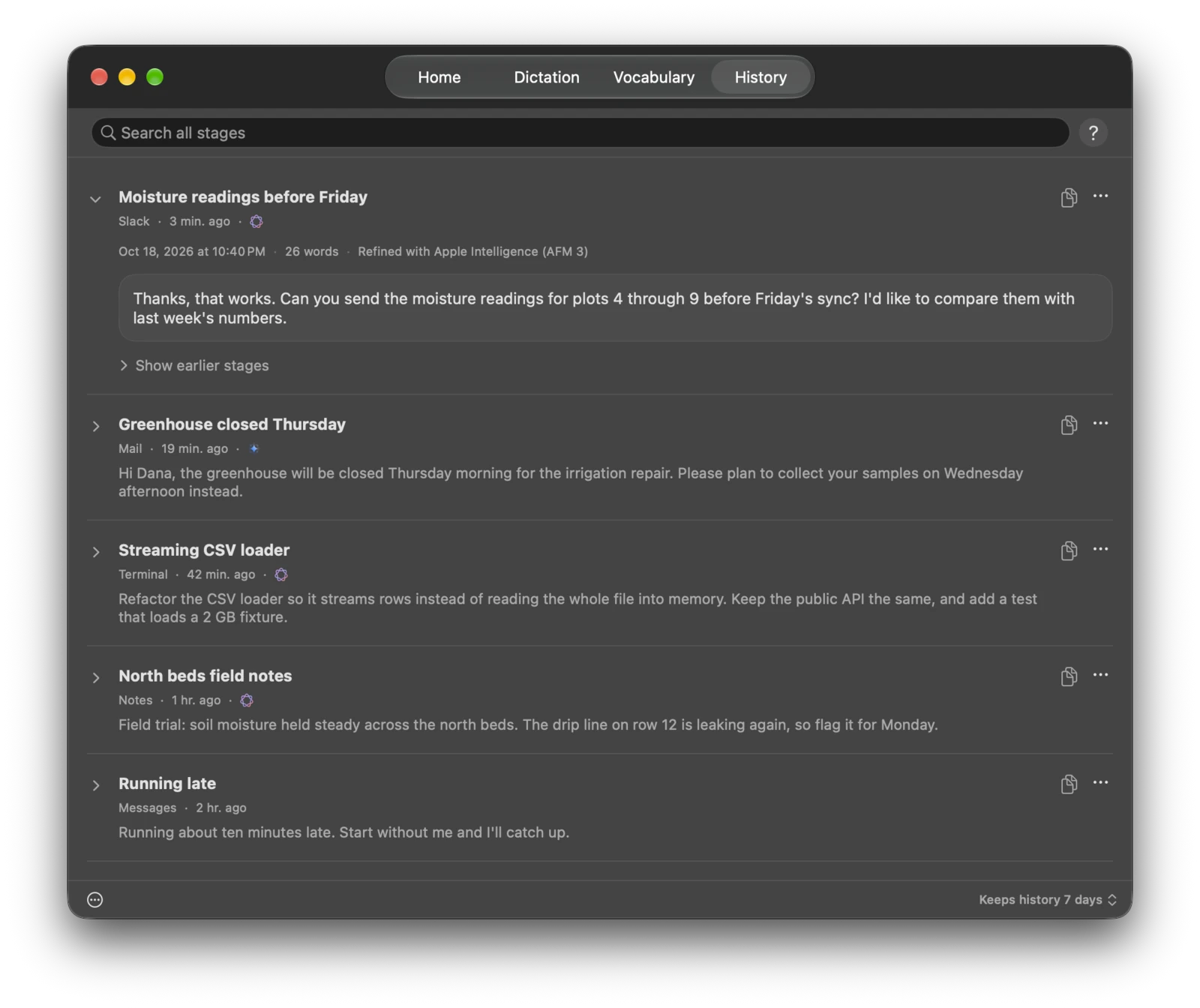
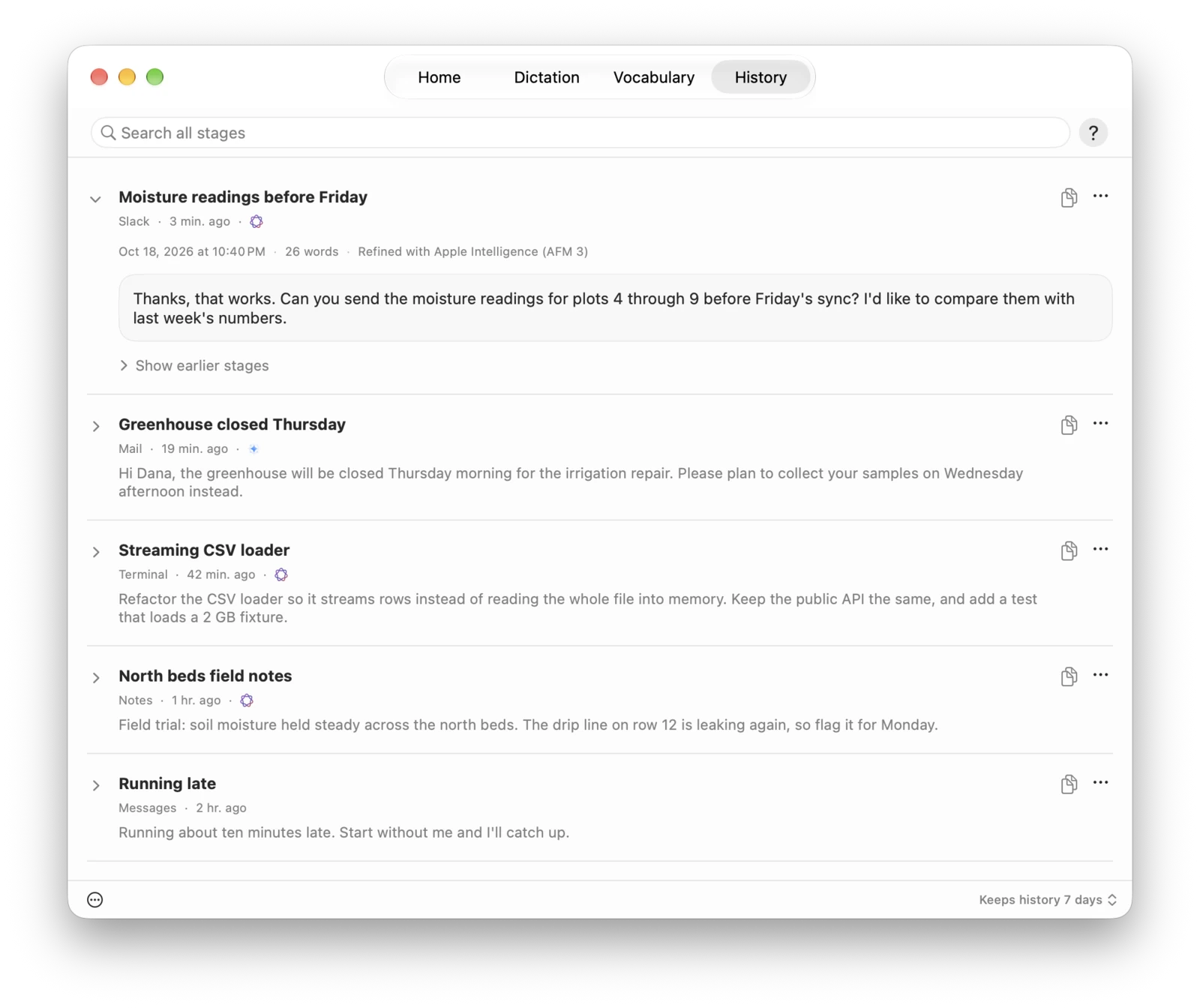
Refine removes filler words and fixes grammar.
Apple Intelligence or a Gemma 4 model refines the text on your Mac while you talk. Recognition confirms each stretch of speech and corrects the draft, then Refine fixes punctuation and grammar and drops filler words.
Standard keeps your wording, Professional makes it formal, and Concise makes it shorter. As Spoken skips Refine.
Templates turn what you say into a document.
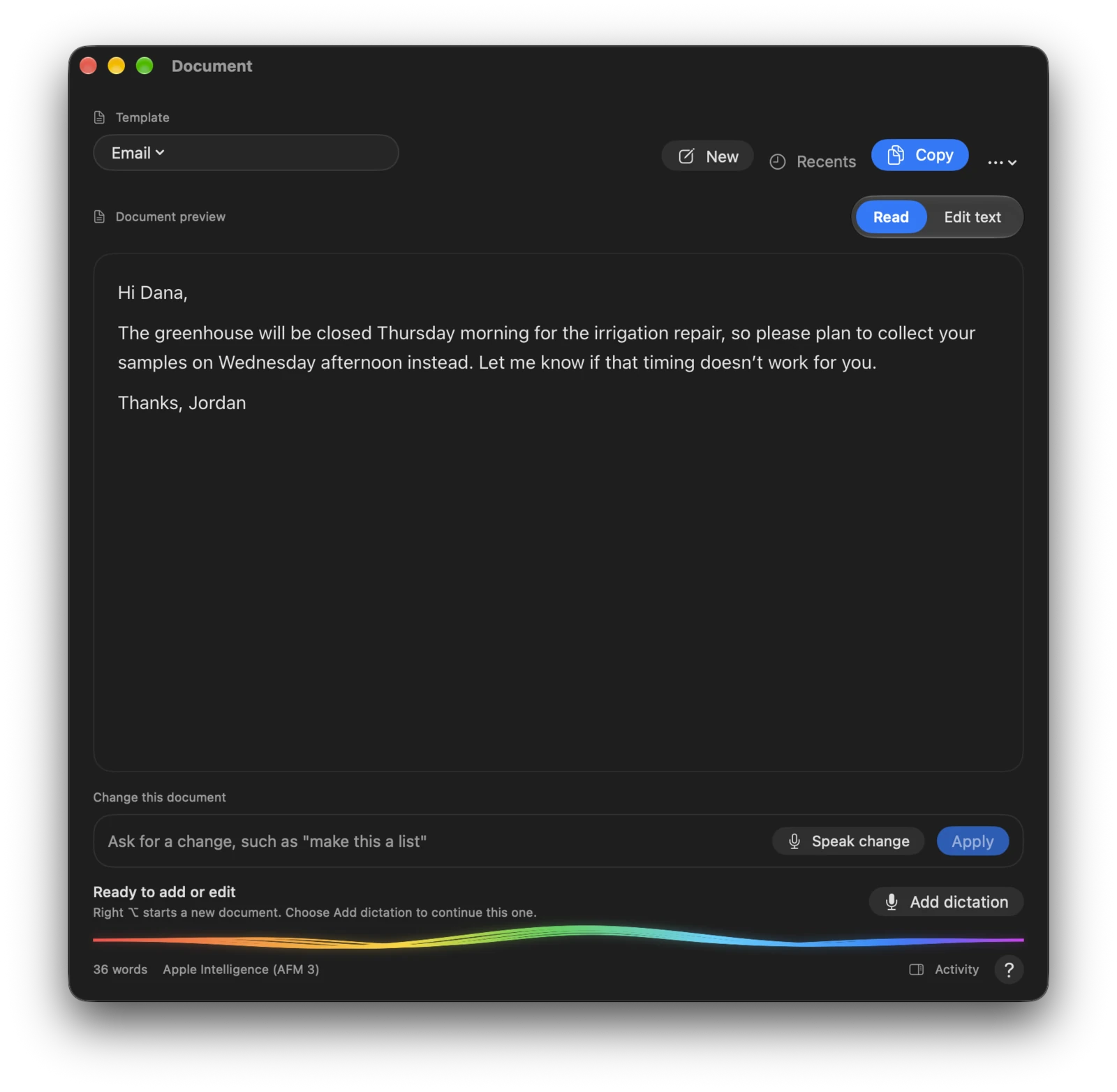
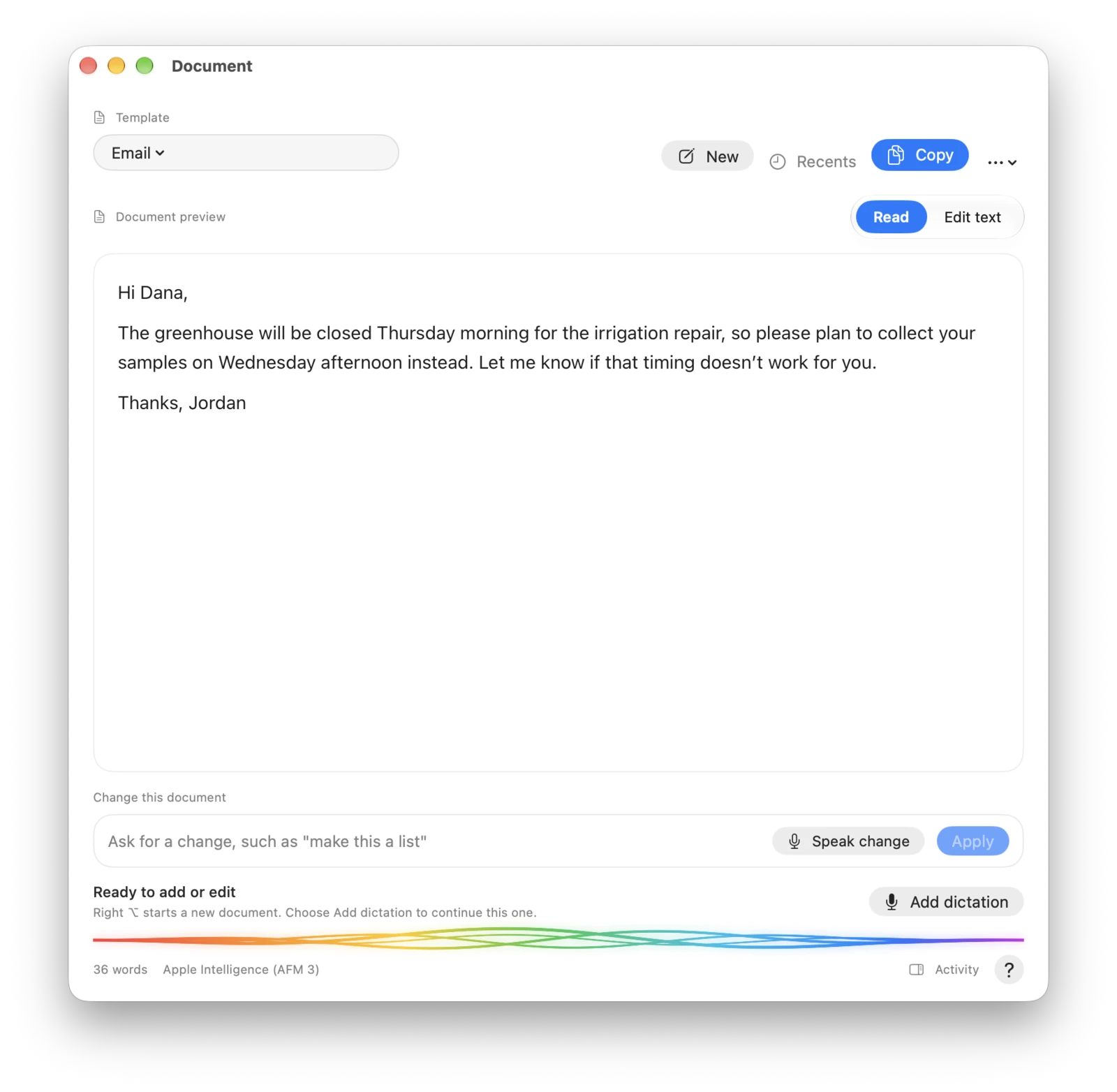
Email, Instructions, AI Prompt, and Custom open a document window. Read it, edit it, or ask for a change by typing or speaking, like "make this a list."
Pick an output language to speak in one language and paste in another.
Teach it your field's jargon.
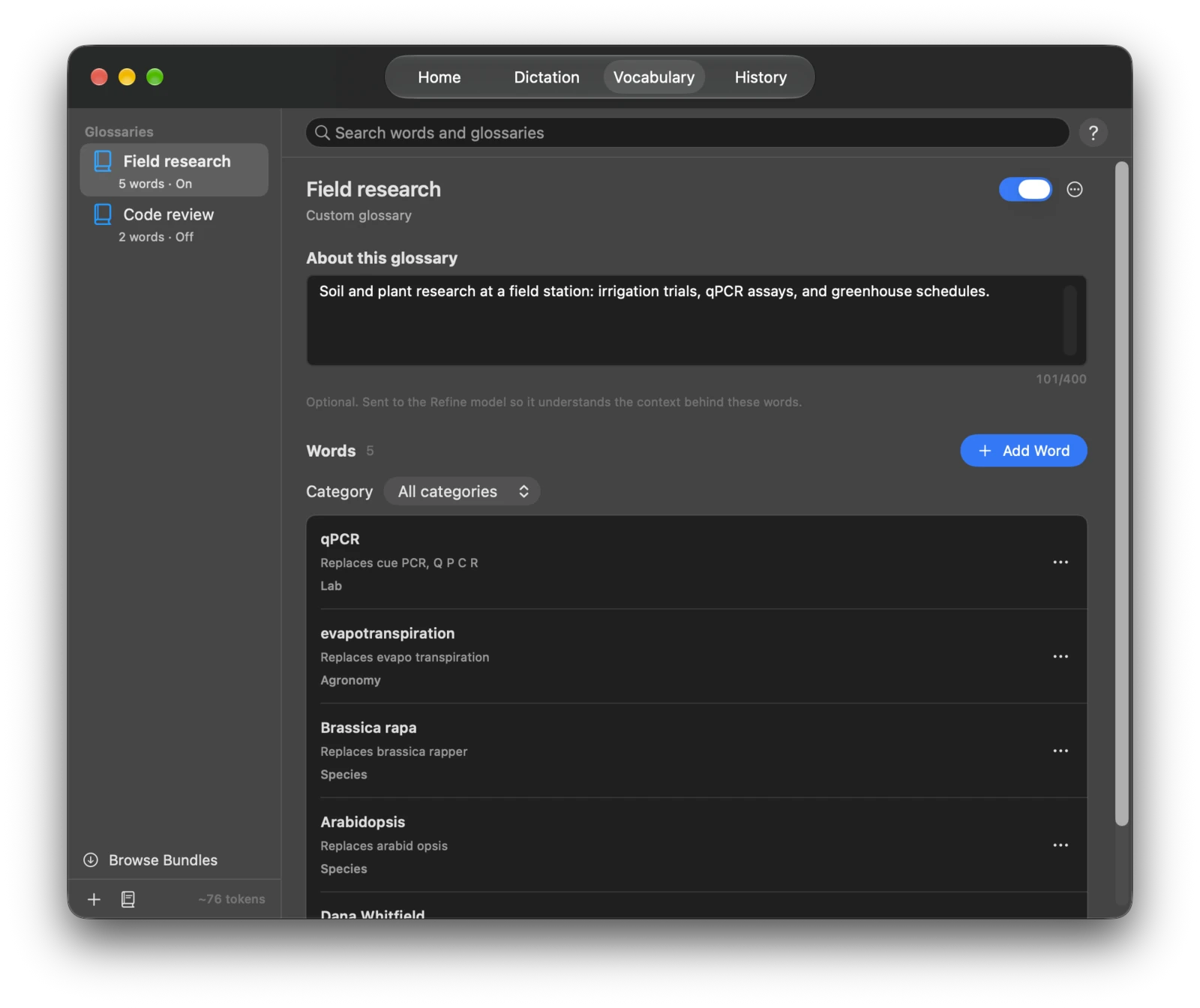
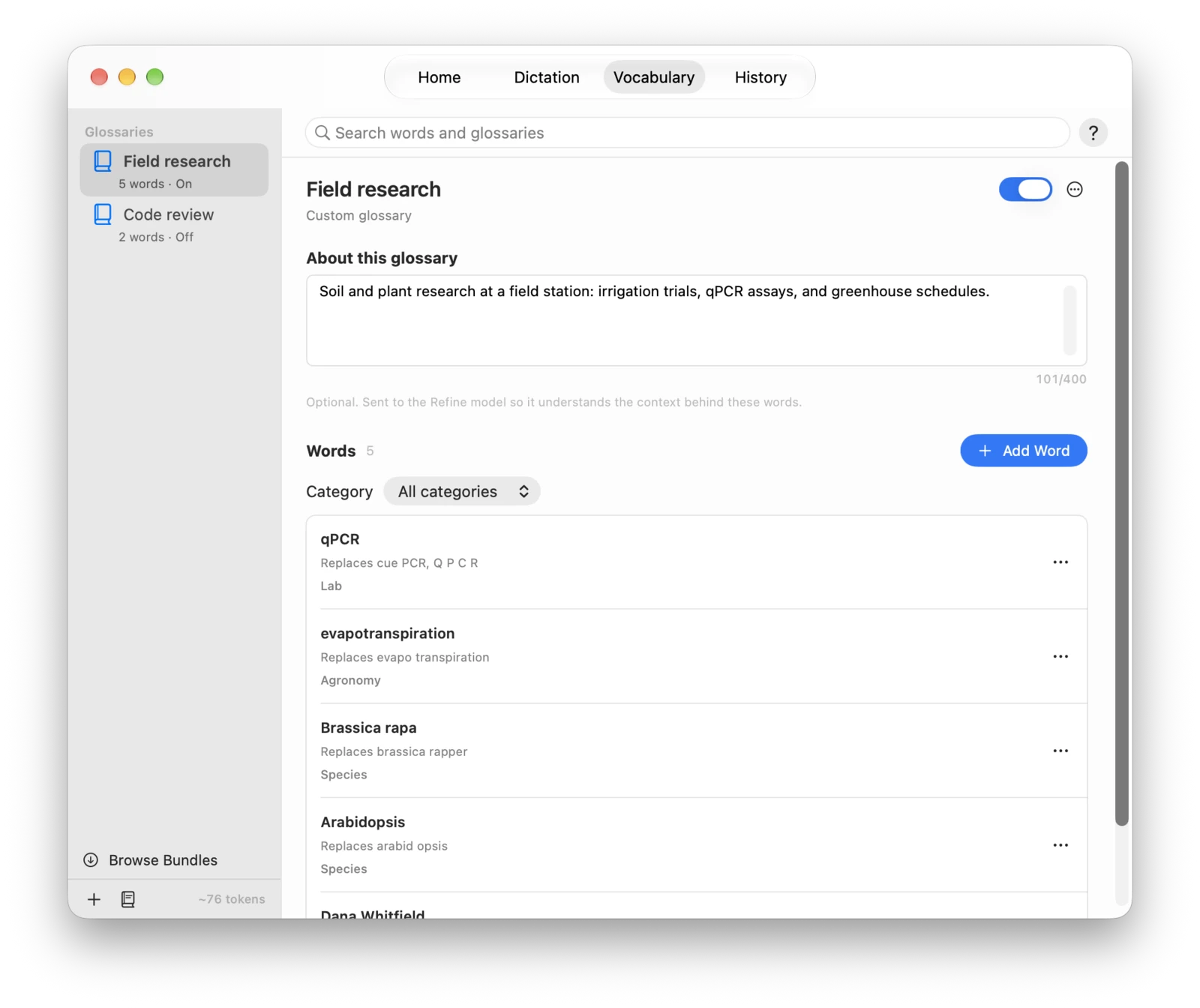
A glossary holds the names, acronyms, and species your work uses. Recognition checks for them in the audio, and Refine gets their spelling and meaning. Download a bundle from the catalog or make your own.
No account and no analytics.
Speech recognition and Refine run on your Mac, so your speech and text aren't uploaded. SideWave goes online to download models, to fetch glossary bundles you add, and to check for updates if you allow it. Help > Data Transparency lists every download and update check.
SideWave is free and open source.
It needs a Mac with Apple silicon and macOS 26 or later. If you allow it, SideWave checks for a new version once a day and asks before installing it.